Yevheniia Stepanenko
Task 1: Affordance
Description for 10 pictures of affordance
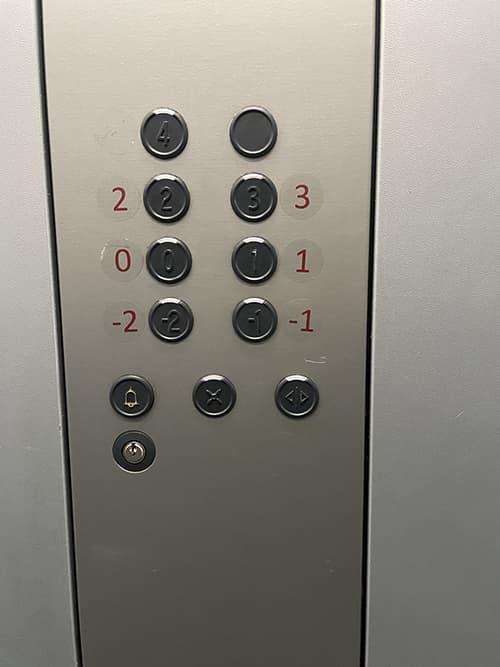
Affordance nr 1 – elevator buttons
1.Affordance – obvious object for interaction. The buttons are presented as usual – familiar to the user.
2.Tags – ordinary elevator buttons with floor number; opening/closing the door; call for help.
3. Mapping – clicking.
4. Feedback – by pressing which they will direct the user to the desired floor.
5 .Rating: bad design.The numbers are hard to see on the buttons, so it needs to stick the printed numbers next to them.
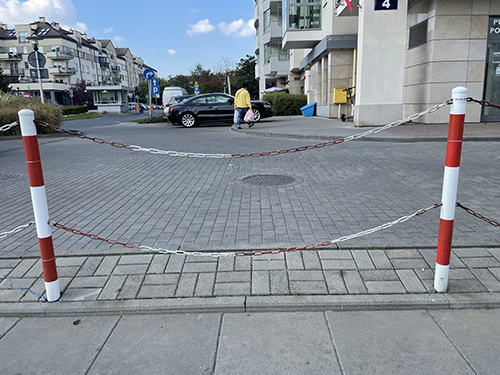
Affordance nr 2 – fences
1.Affordance – clear. By color we can determine that this device is designed to protect the place from passers
2.Tags – none.
3.Feedback – none.
4.Rating: medium design – obvious and understandable.
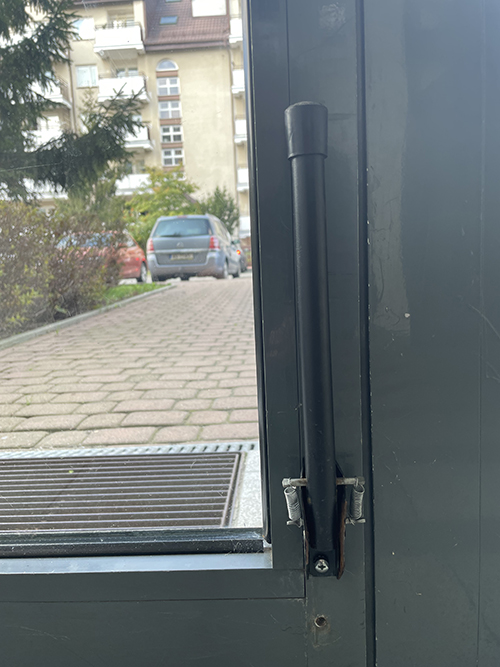
Affordance nr 3 – door stand.
1.Affordance – we learn this thing from life experience.
Device needed to keep the door open.
2.Tags – can be in the raised and lowered (when it’s working) state.
3.Feedback – none.
4.Rating: good design.
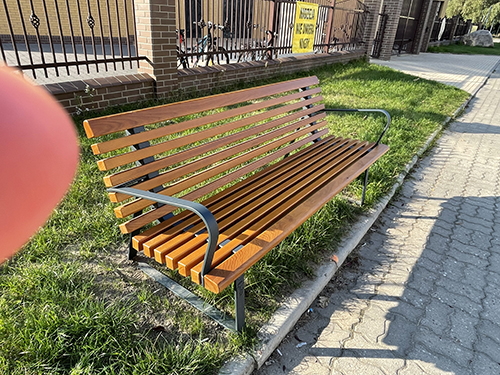
Affordance nr 4
1.Affordance –
2.Tags –
3.Feedback –
4.Rating: good design /medium design / bad design.
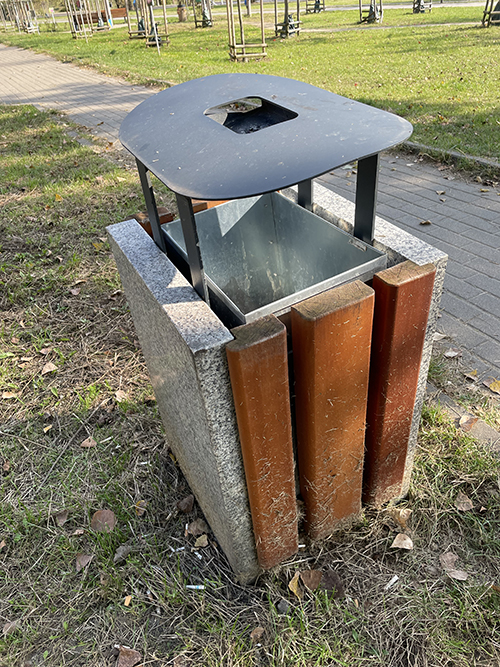
Affordance nr 5
1.Affordance –
2.Tags –
3.Feedback –
4.Rating: good design /medium design / bad design.
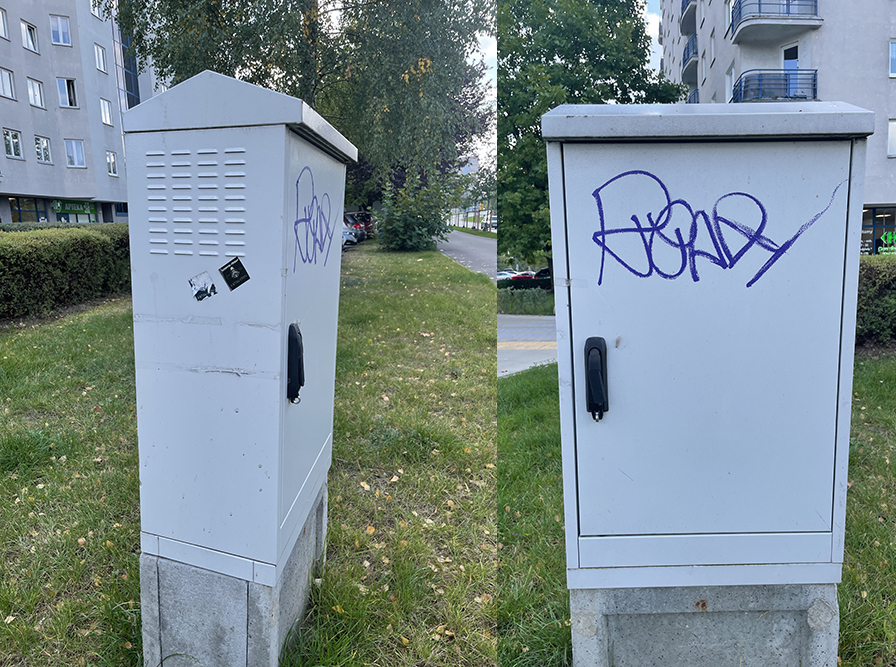 Affordance nr 6
1.Affordance –
2.Tags –
3.Feedback –
4.Rating: good design /medium design / bad design.
Affordance nr 7
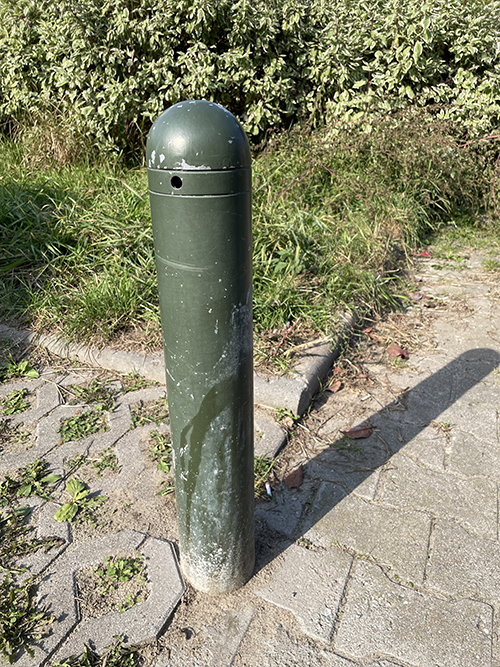
1.Affordance –
2.Tags –
3.Feedback –
4.Rating: good design /medium design / bad design.
Affordance nr 8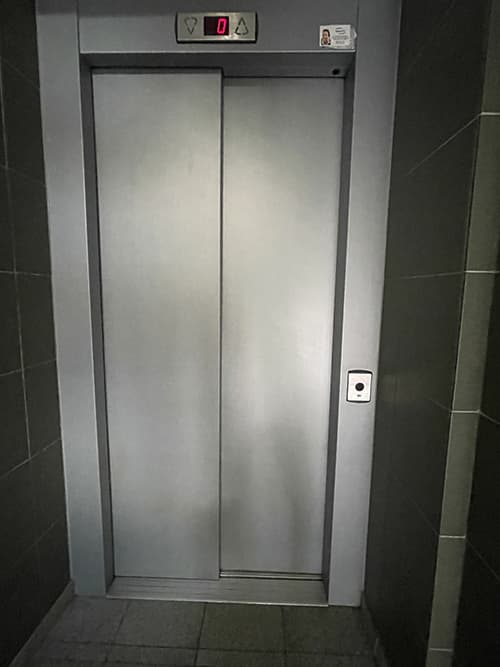
1.Affordance –
2.Tags –
3.Feedback –
4.Rating: good design /medium design / bad design.
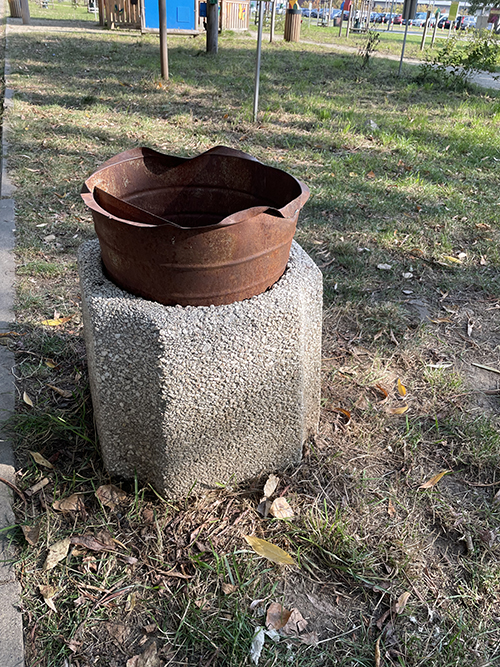
Affordance nr 9
1.Affordance –
2.Tags –
3.Feedback –
4.Rating: good design /medium design / bad design.
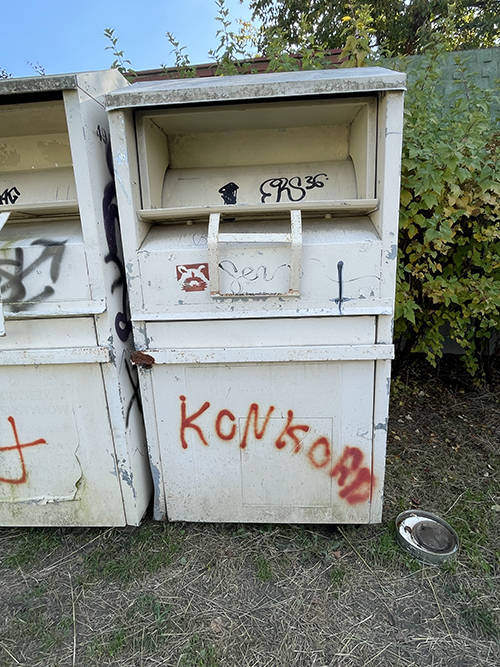
Affordance nr 10
1.Affordance –
2.Tags –
3.Feedback –
4.Rating: good design /medium design / bad design.
Description for 5 own pictures of affordance
Affordance nr 1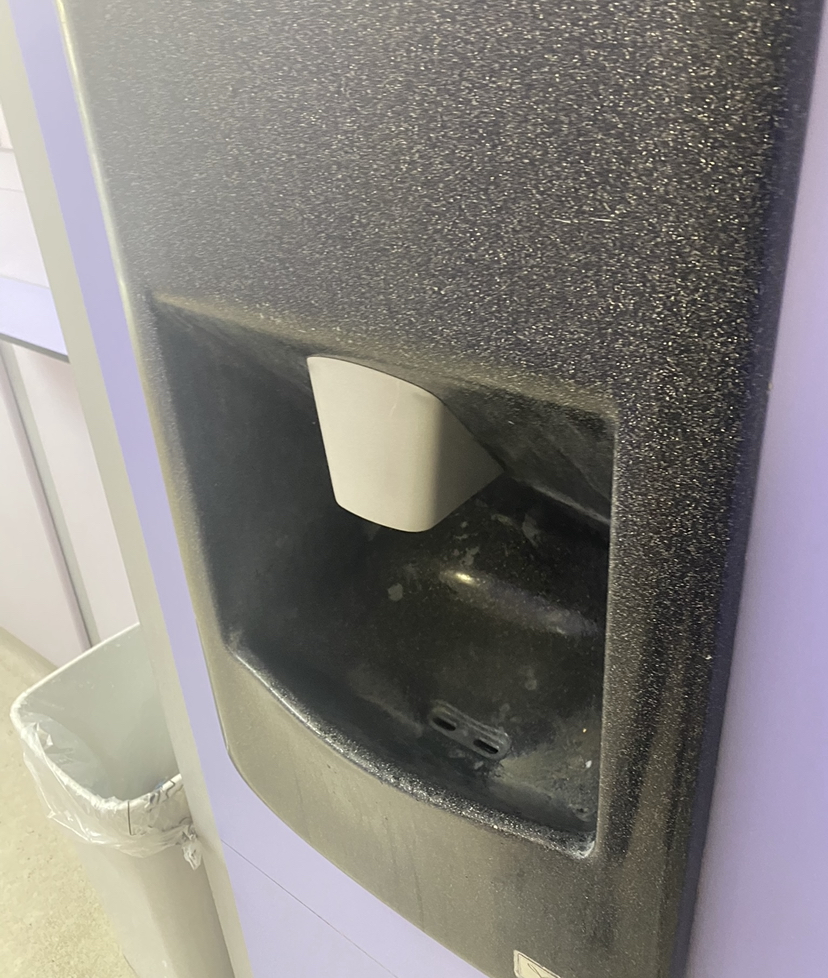
1.Affordance –
2.Tags –
3.Feedback –
4.Rating: good design /medium design / bad design.
Affordance nr 2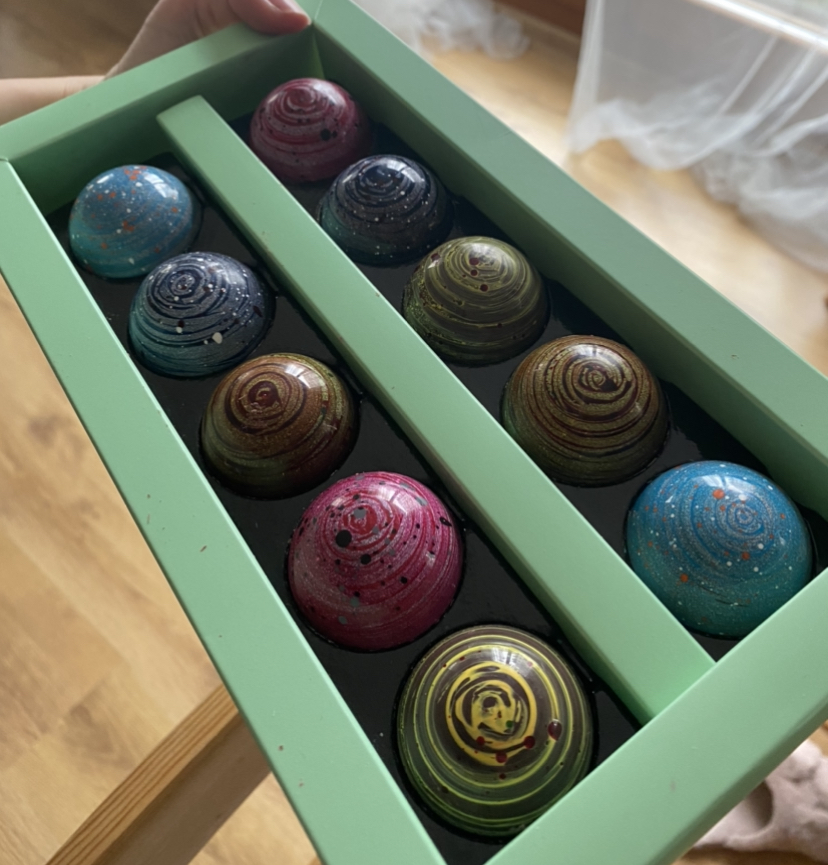
1.Affordance –
2.Tags –
3.Feedback –
4.Rating: good design /medium design / bad design.
Affordance nr 3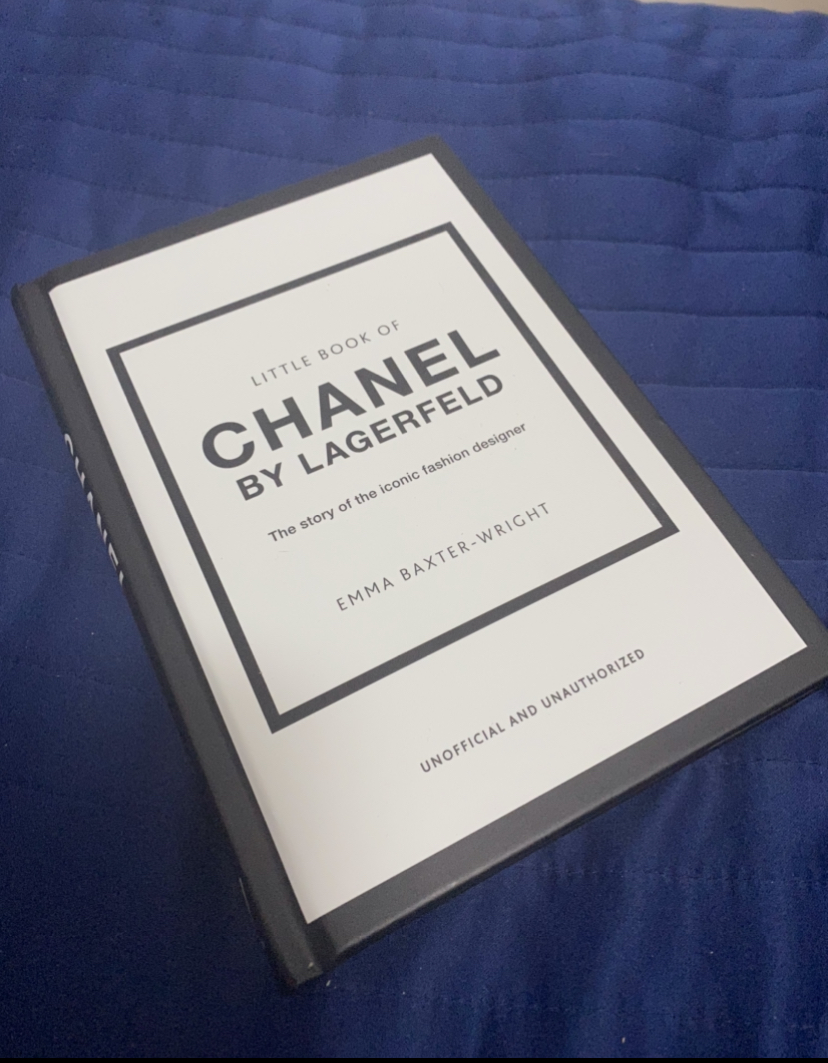
1.Affordance –
2.Tags –
3.Feedback –
4.Rating: good design /medium design / bad design.
Affordance nr 4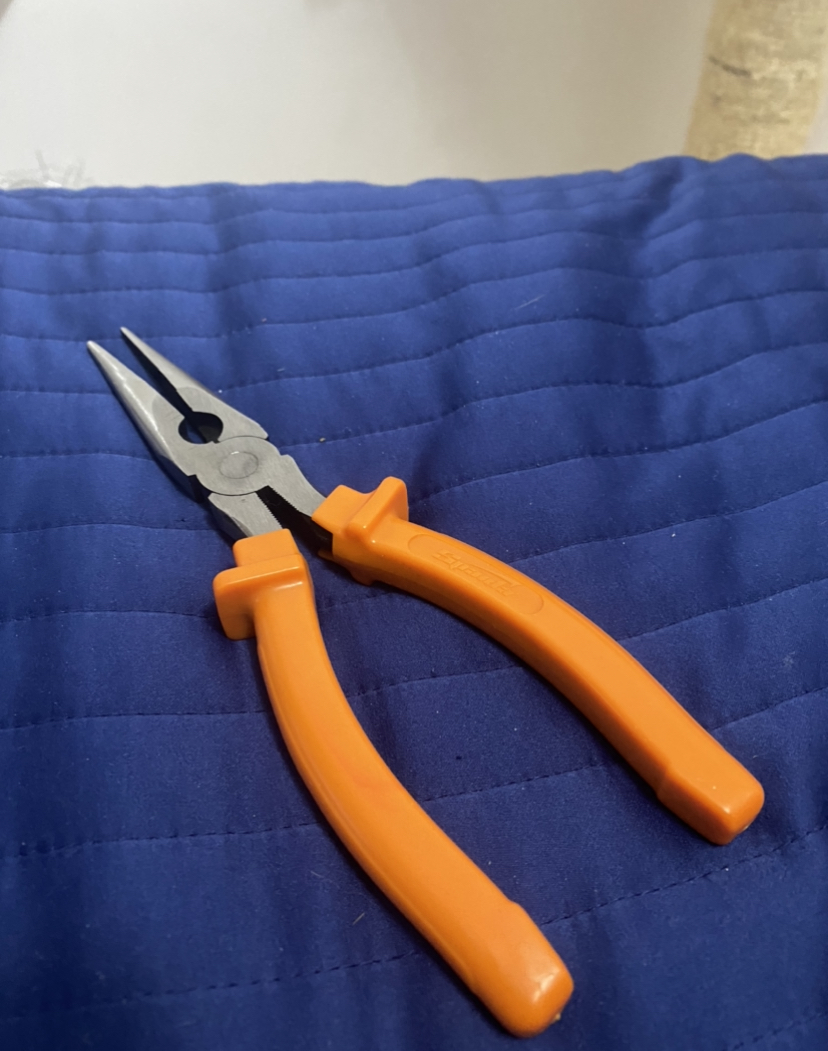
1.Affordance –
2.Tags –
3.Feedback –
4.Rating: good design /medium design / bad design.
Affordance nr 5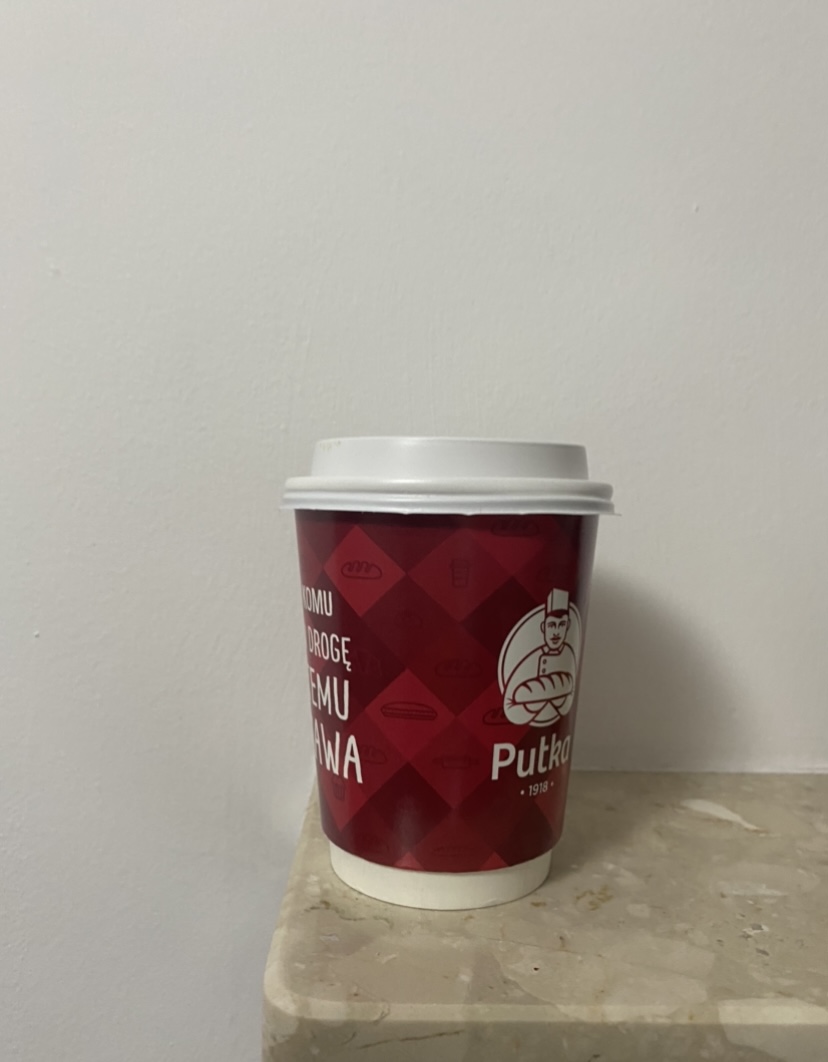
1.Affordance –
2.Tags –
3.Feedback –
4.Rating: good design /medium design / bad design.
Topic: your feelings in the morning

Task 2: Mindmapping
Design a greeting card for someone with a short attention span.
• What am I really good at?
• Which UX activities do I really like to do?
• What differentiates me from other designers?
• On which projects did I bring the most value?
• From which projects did I learn the most?
• What interesting stories can I tell about the work that I did?
• What am I really good at?
• Which UX activities do I really like to do?
• What differentiates me from other designers?
• On which projects did I bring the most value?
• From which projects did I learn the most?
• What interesting stories can I tell about the work that I did?
1. Your and your colleagues role in the project
2. Introduction — scenario/problem/goal
3. Who are the users
4. Design Process (methodology; roadmaps; metrics; research…)
5. What tools did you apply in this project?
6. Research
7. Sketches, wireframes, graphics, prototype
8. Results and takeaways from a Usability test/before and after applying UX Design to the
product
9. Your final design — style guide
10. Conclusion/ The impact
11. What did you learn from the project
12. What would be the next steps