Marya Yermagambetova
TASK 1
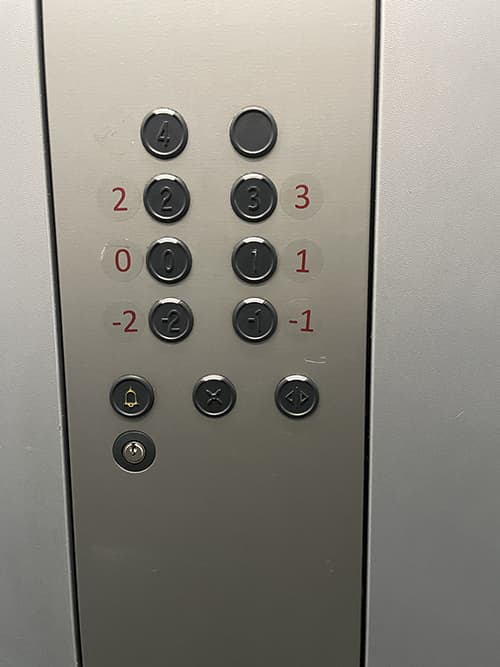
Affordance 1 – Elevator buttons
1. Affordance: comes from acquired knowledge, elevator is an obvious object familiar to everyone
2. Marker: buttons with number for floors and icons for functions of the elevator
3. Mapping: natural
4. Feedback: elevator moves to the selected floor, possible sound
5. Rating: bad design – layout of the floor number is confusing
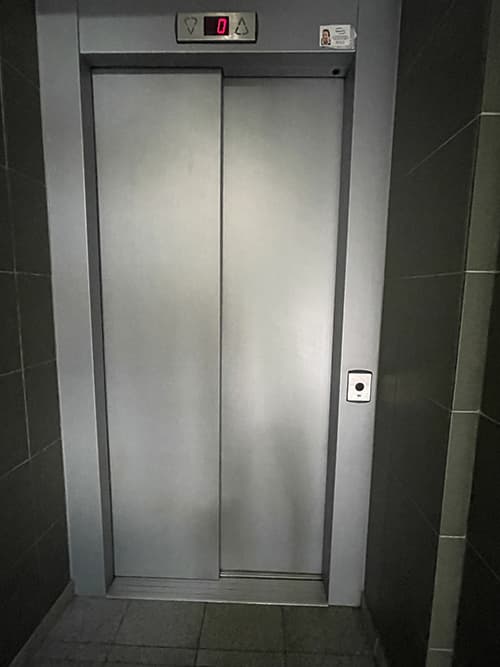
Affordance 2 – Elevator
1. Affordance: comes from acquired knowledge, elevator is an obvious object familiar to everyone
2. Marker: buttons to call elevator, display showing the floor elevator is on
3. Mapping: natural
4. Feedback: elevator moves, doors open and close, sound in most cases
5. Rating: medium design – the design is very primitive and could look better
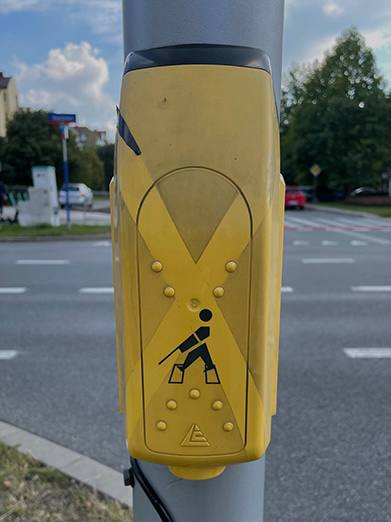
Affordance 3 – Road crossing button
1. Affordance: intuitively clear, button is used to regulate road crossing
2. Marker: icon of a blind person, dots for blind people to read
3. Mapping: none
4. Feedback: sound signal to let people to know when to cross the road
5. Rating: good design – the design is simple and functional
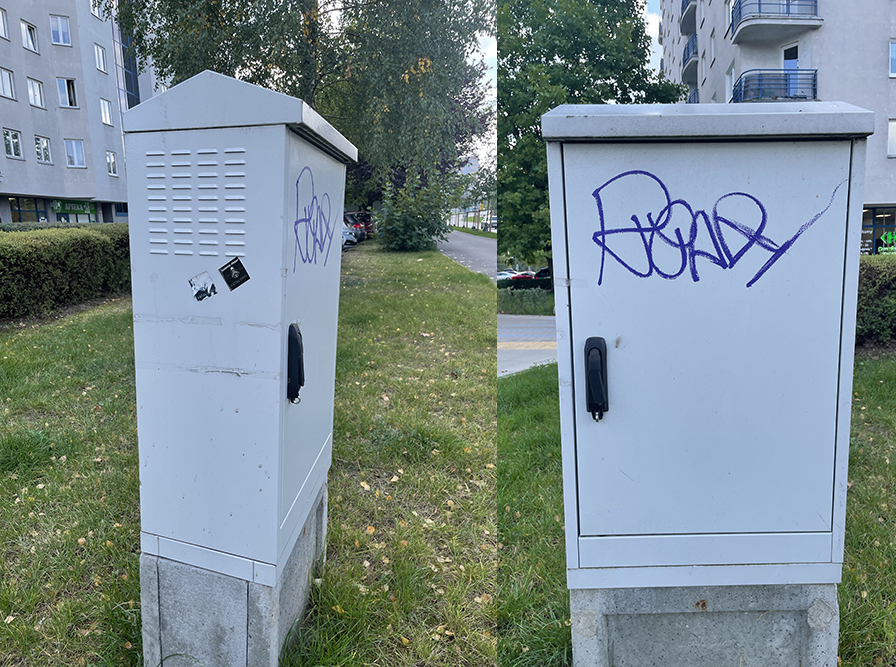
Affordance 4 – Electrical box
1. Affordance: somewhat clear, it stores the switches and protects contents from the environment
2. Marker: lock for safety
3. Mapping: none
4. Feedback: none
5. Rating: medium design – the box looks simple and is functional
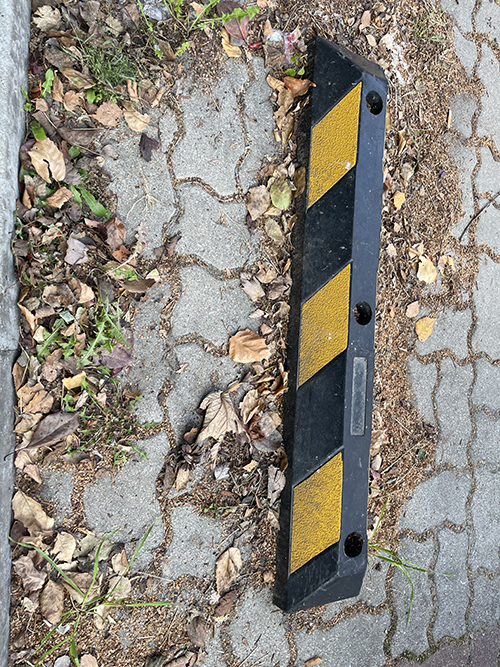
Affordance 5 – Parking block
1. Affordance: clear, it is placed at the end of parking space to guide drivers and control parking
2. Marker: black and yellow pattern
3. Mapping: none
4. Feedback: none
5. Rating: good design – simple and practical design
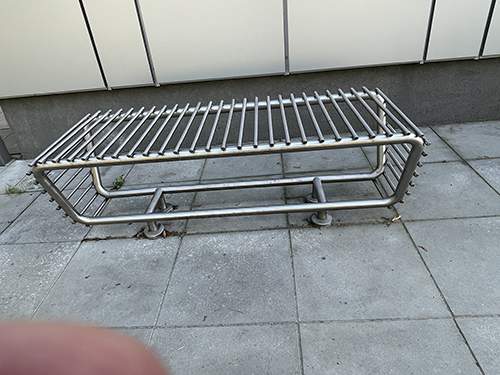
Affordance 6 – Metal bench
1. Affordance: comes from acquired knowledge, an everyday object in urban space
2. Marker: metal construction of height to sit on
3. Mapping: none
4. Feedback: none
5. Rating: bad design – seems not very practical as a bench
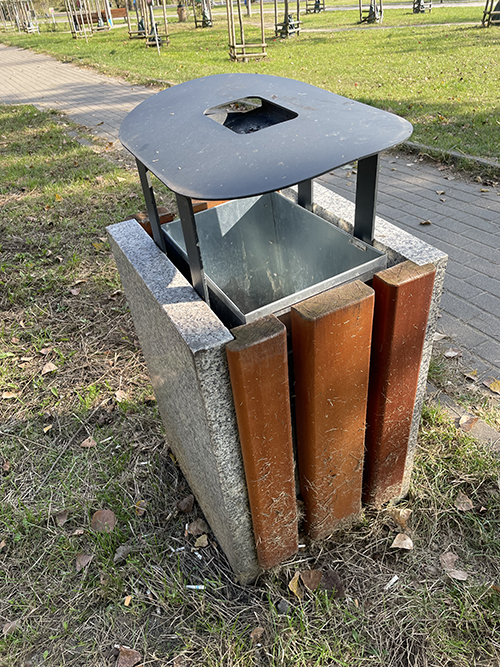
Affordance 7 – Garbage bin
1. Affordance: comes from acquired knowledge, an everyday object in urban space
2. Marker: straightforward and clear
3. Mapping: none
4. Feedback: none
5. Rating: medium design – looks okay and practical
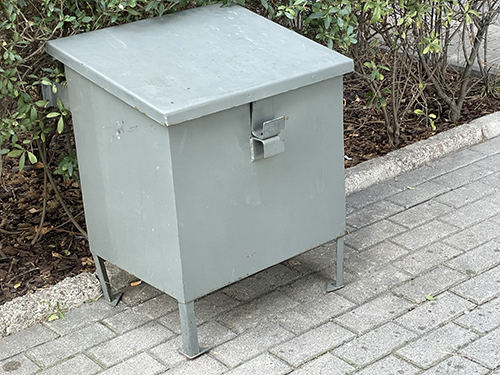
Affordance 8 – Metal box
1. Affordance: somewhat unclear, a metal box with an unknown purpose
2. Marker: lock handle
3. Mapping: none
4. Feedback: none
5. Rating: bad design – the purpose of the box is not very understandable
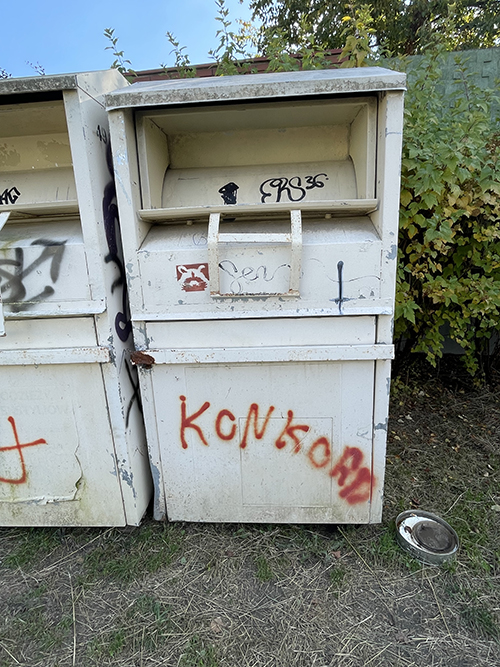
Affordance 9 – Charity box
1. Affordance: intuitively understood, a box wrote people to donate clothes
2. Marker: opening handle
3. Mapping: none
4. Feedback: none
5. Rating: medium design – looks very simple but is functional
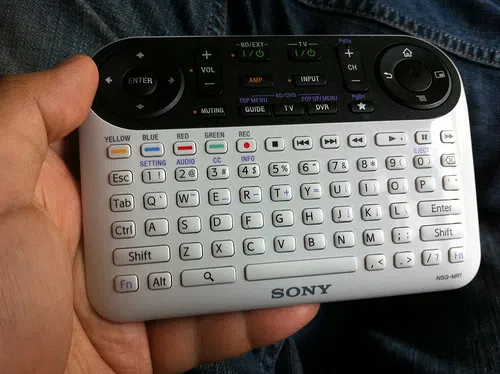
Affordance 10 – Remote control
1. Affordance: acquired knowledge, controller with a lot of buttons for using on another device
2. Marker: a lot of buttons varied by color, texts, etc
3. Mapping: natural, from experience
4. Feedback: unknown, every button has a function
5. Rating: bad design – looks very confusing, lots of buttons on a small area, needs manual
TASK 2
1. What am I really good at?
– I am creative, responsible and have attention to detail.
2. What differentiates me from other designers?
– I can create something unique and generate new ideas.
3. Which UX activities do I really like to do?
– I like to solve user’s problems with designs that are easy to understand.
4. On which projects did I bring the most value?
– I work best with projects that require working with my national concepts. I like putting thoughts and meanings behind the projects.
5. From which projects did I learn the most?
– I learned a lot when working with PC software.
6. What exciting stories can I tell about the work that I did?
– I like to talk about the works which implemented national elements and explain it to someone who is not familiar with them.
TASK 3
1. Introduction
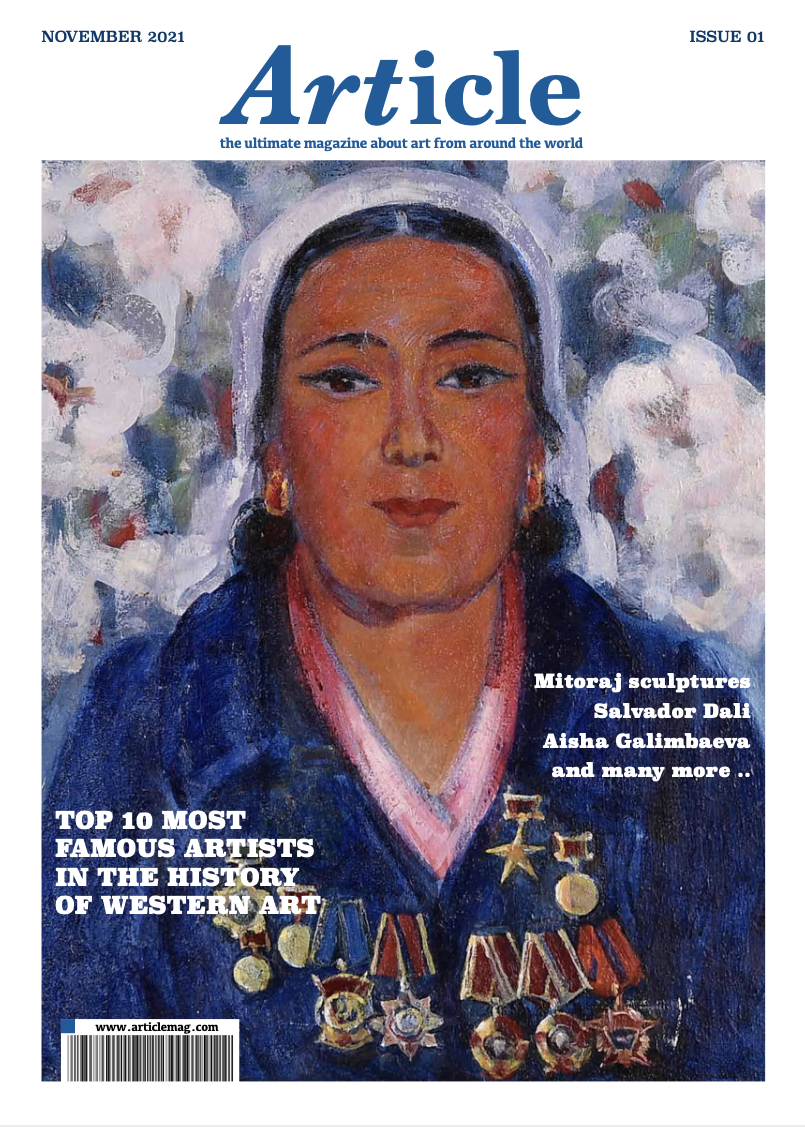
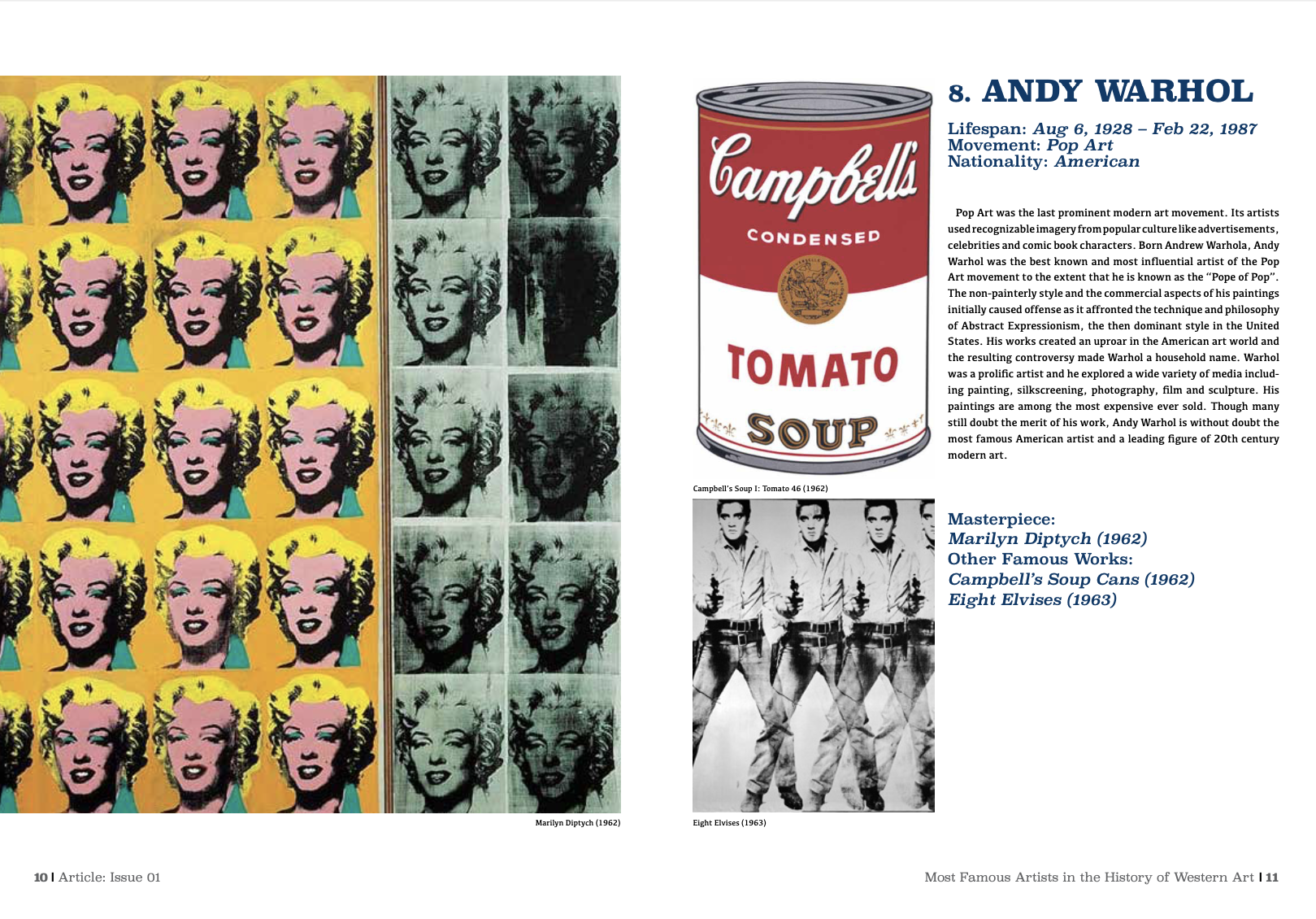
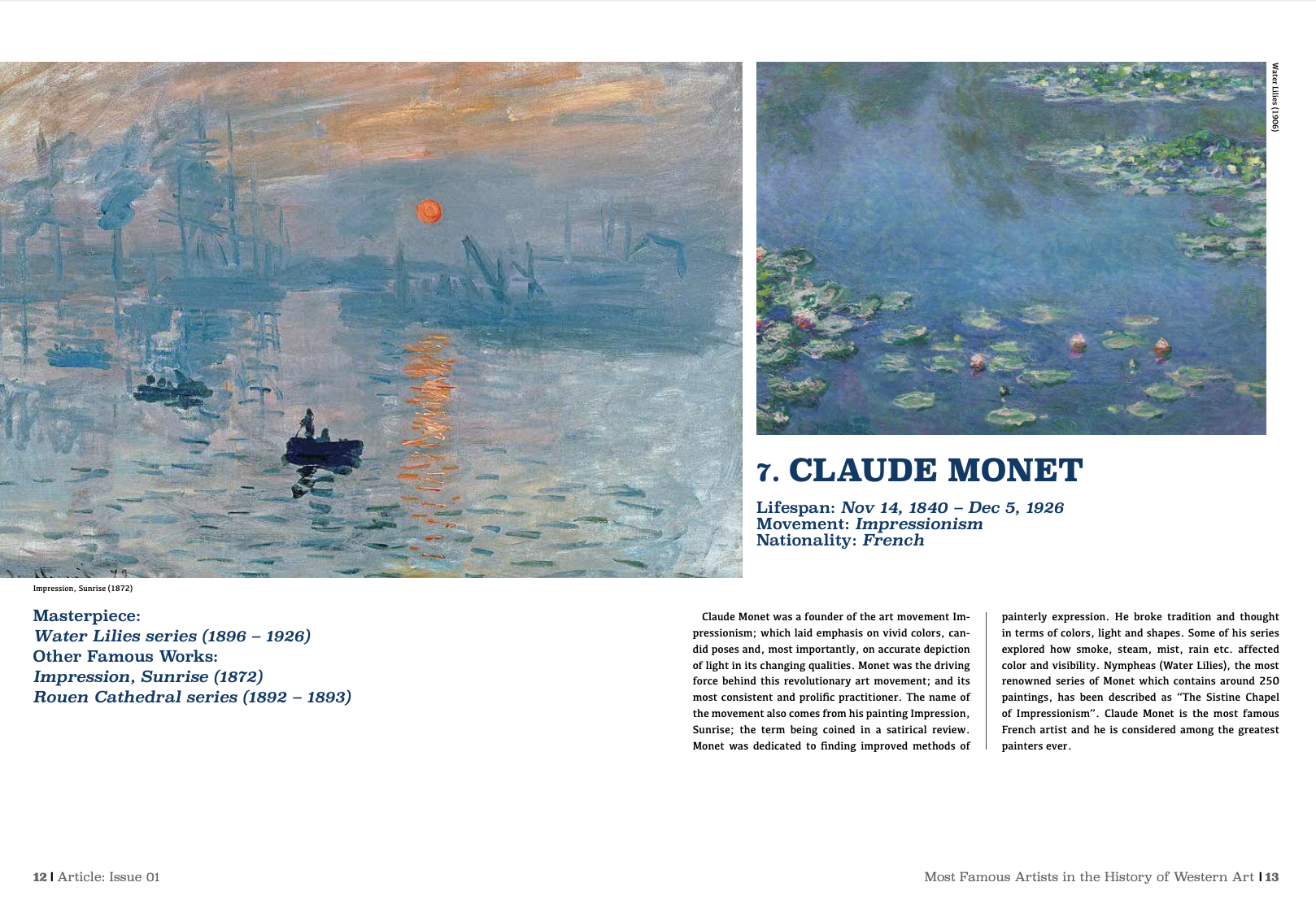
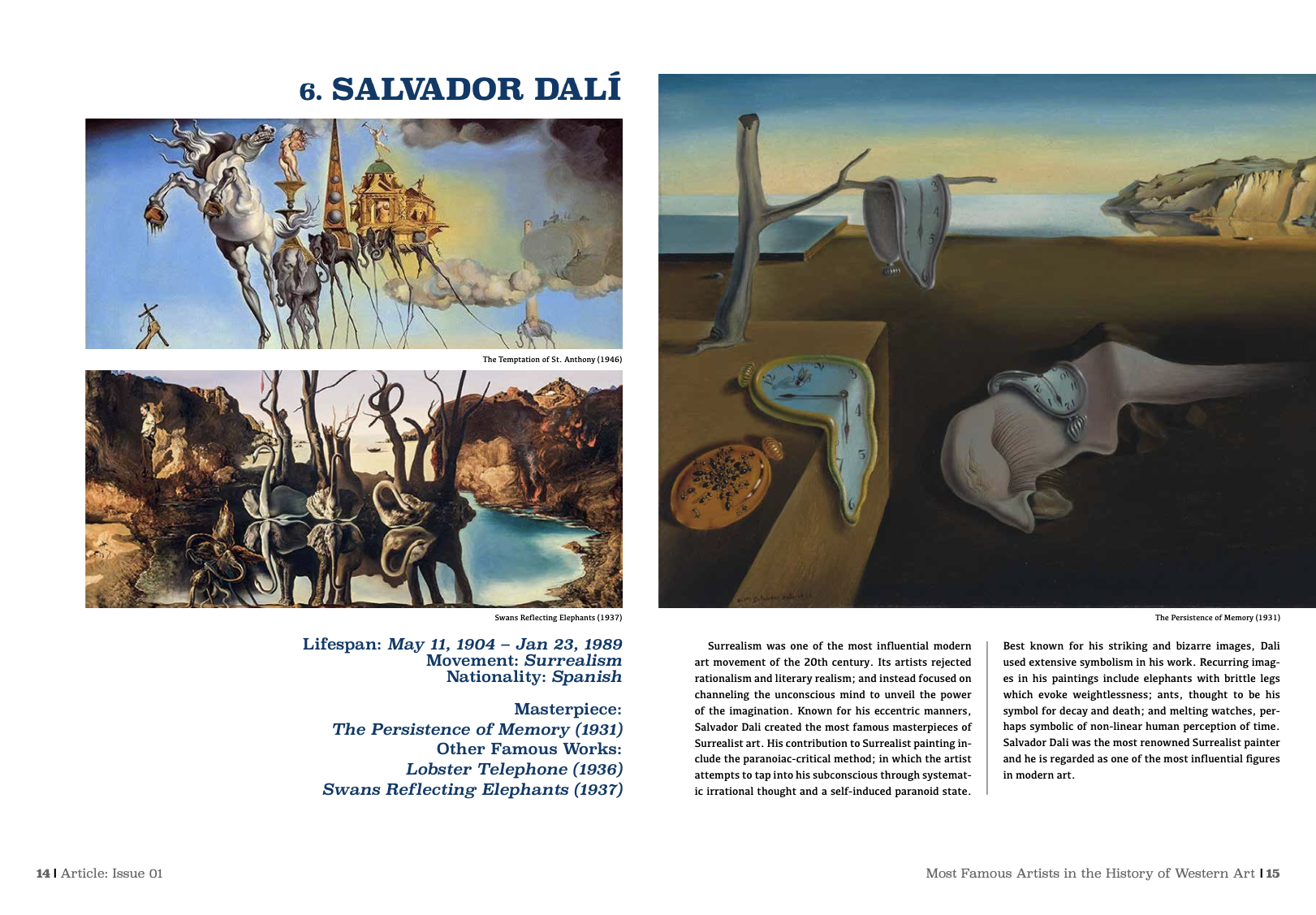
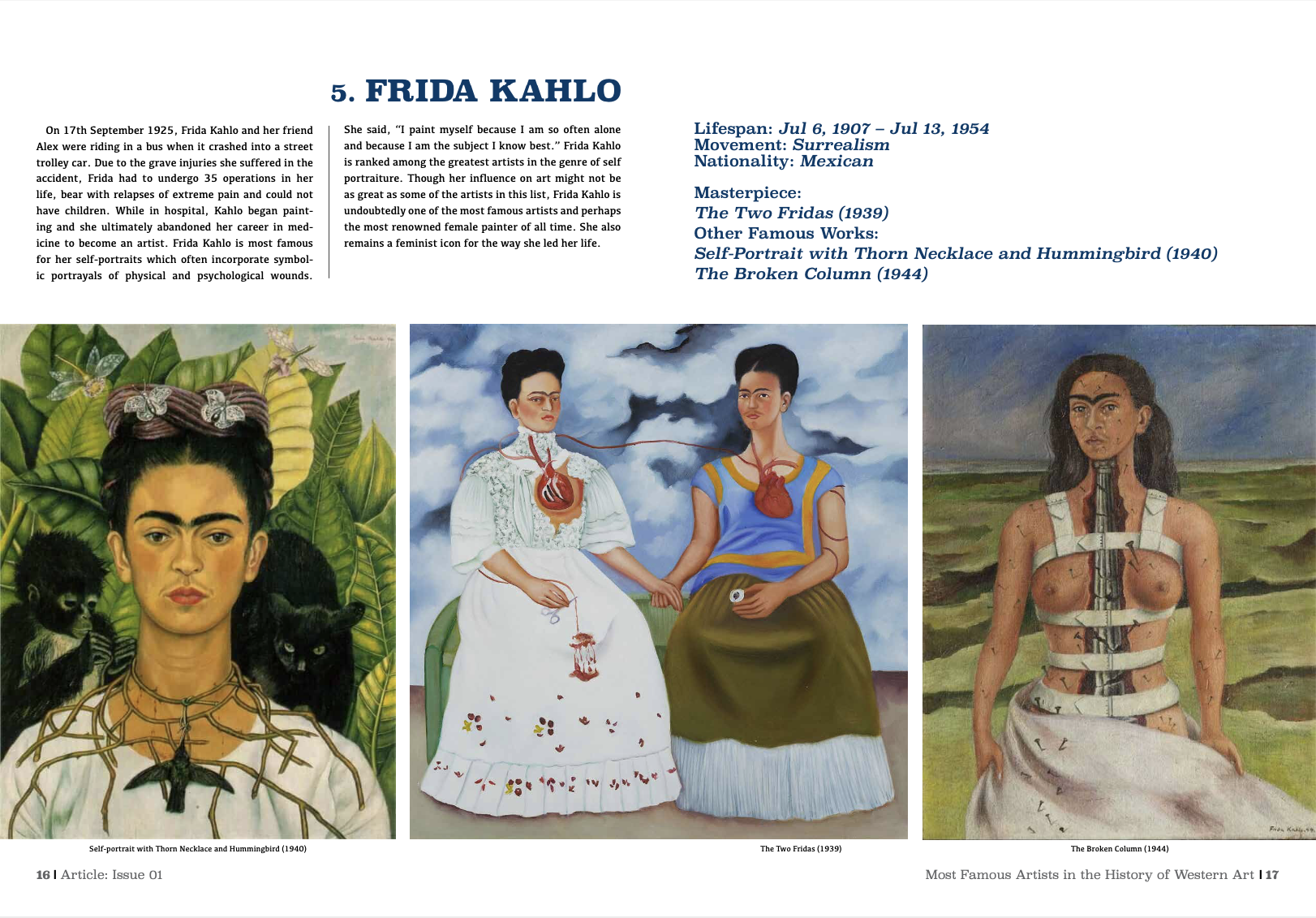
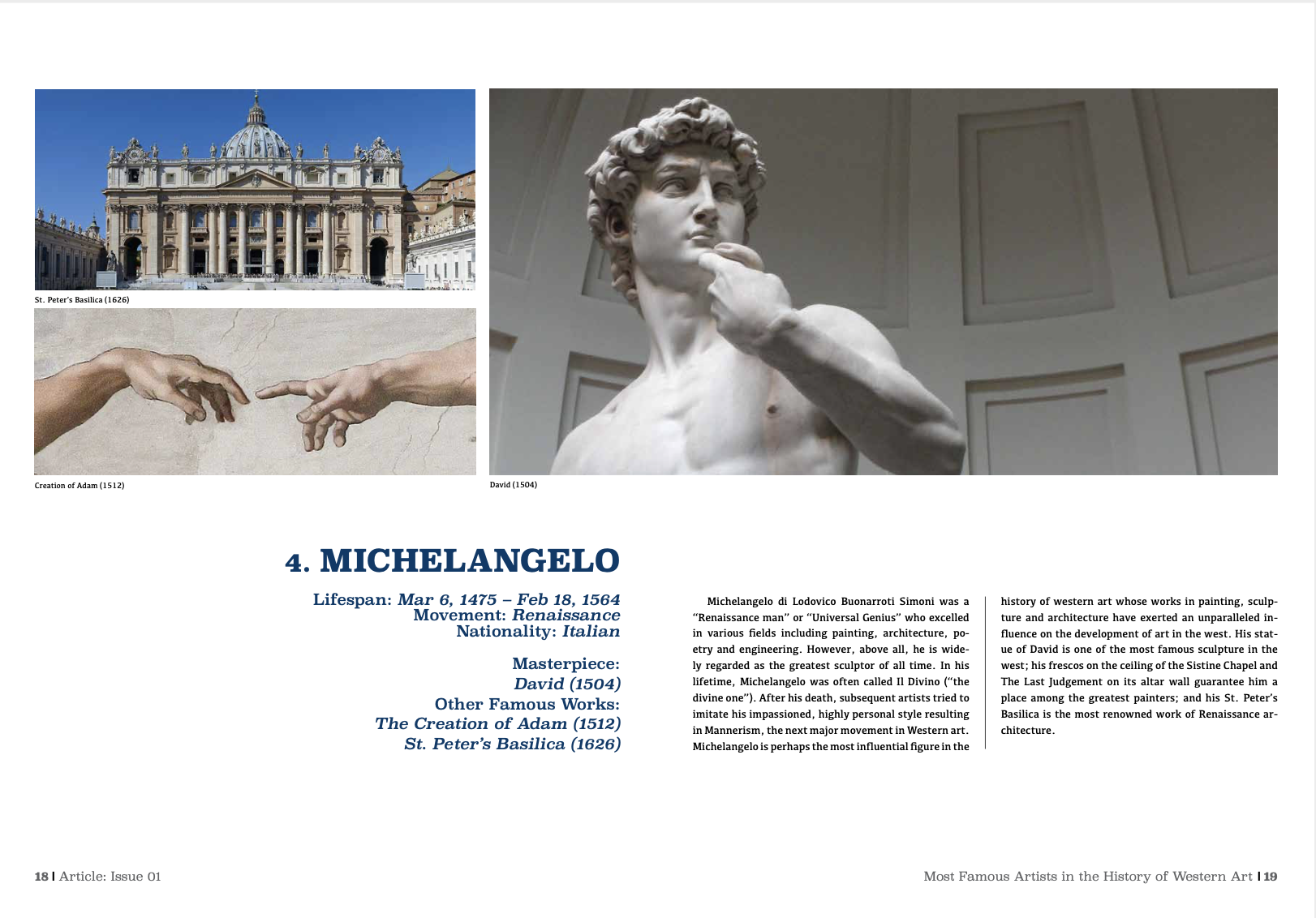
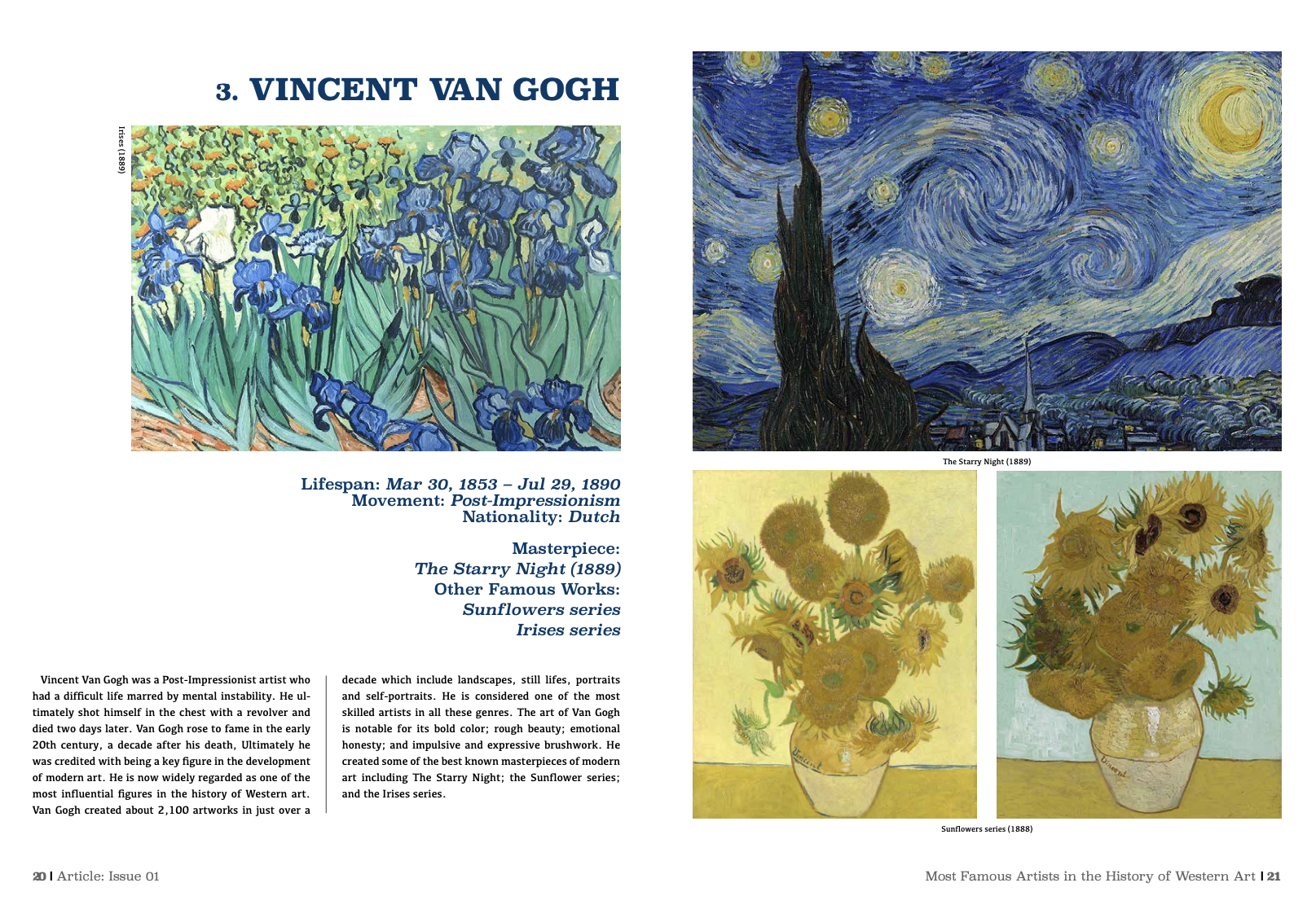
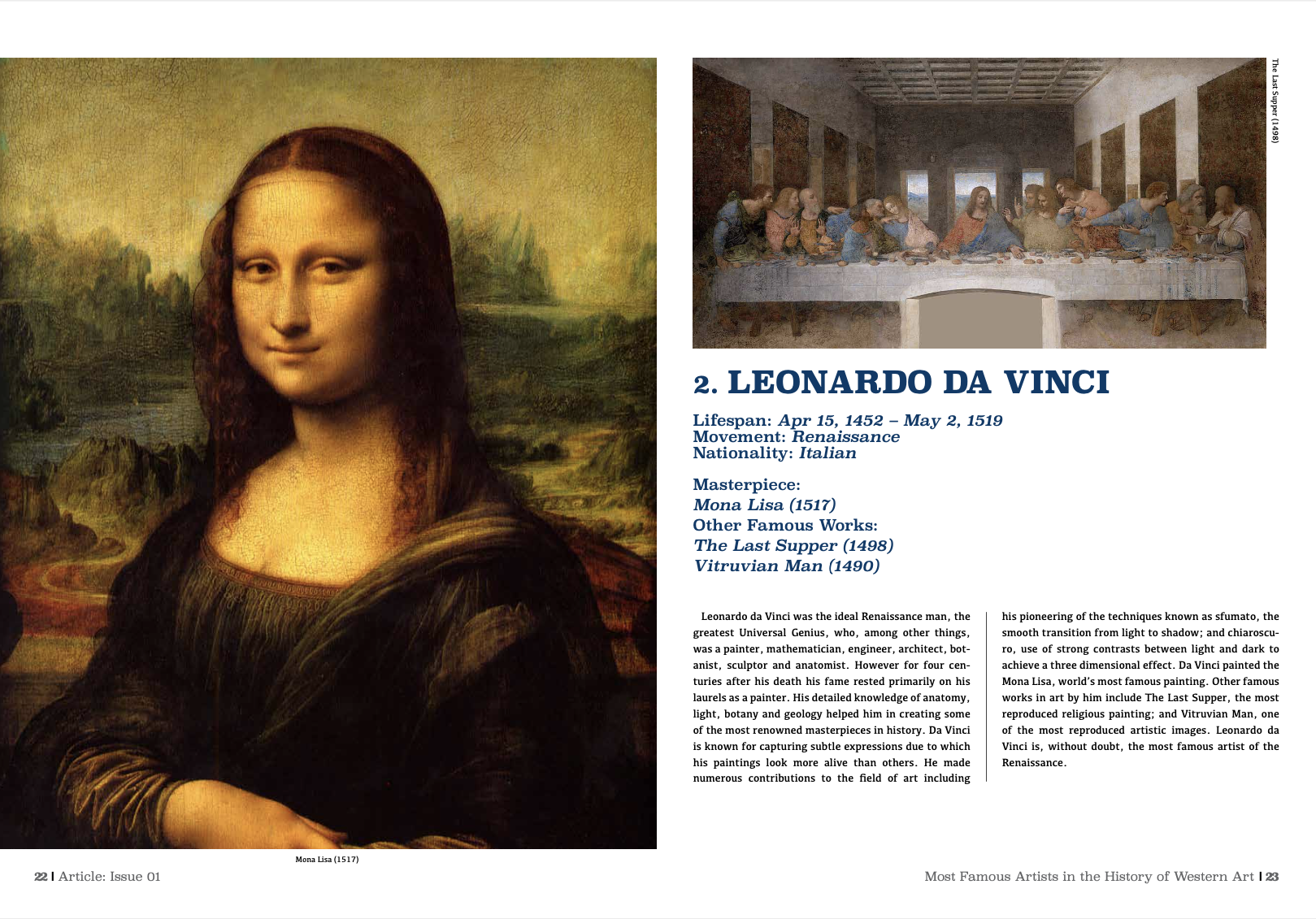
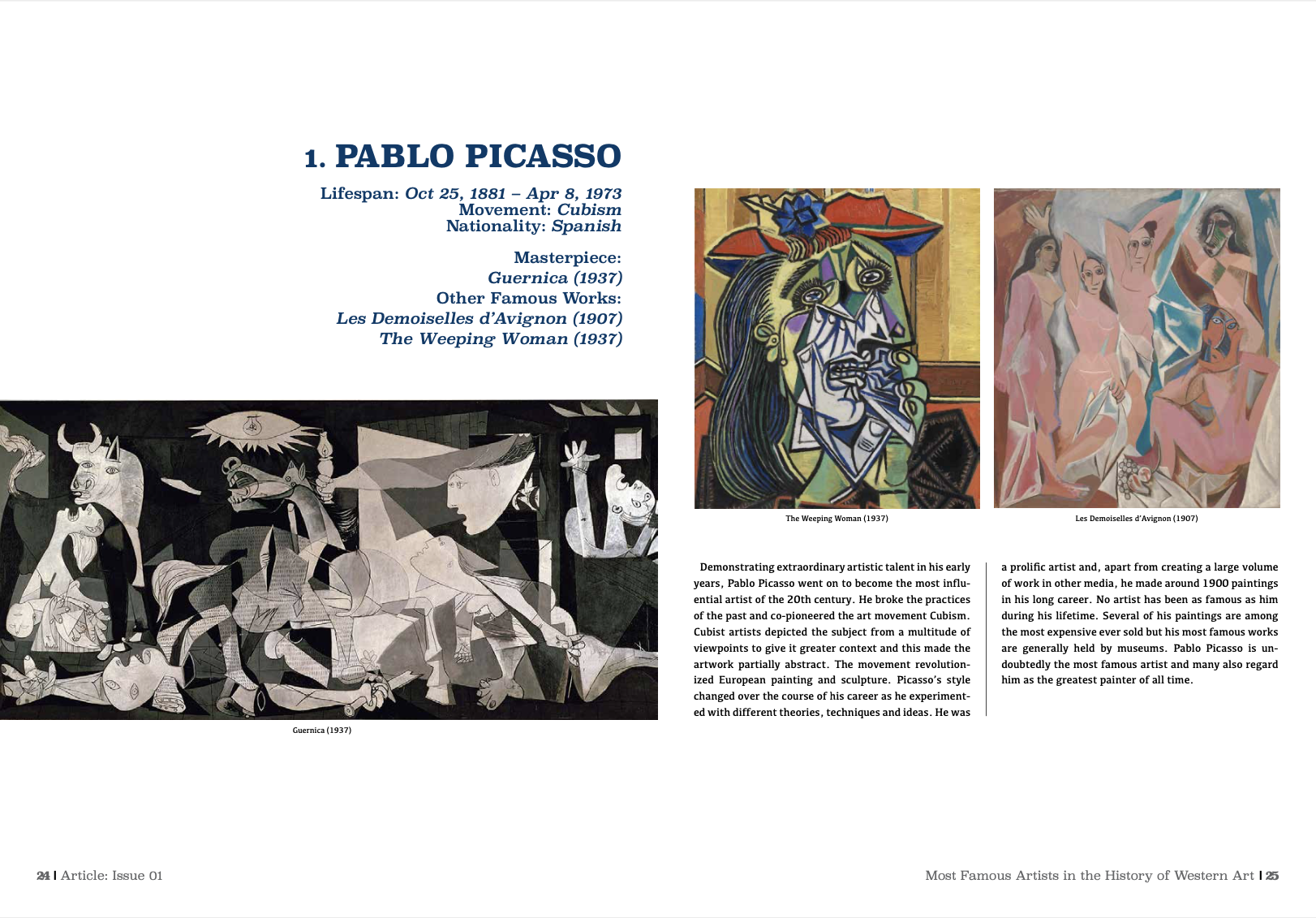
– Scenario: first, to choose a corresponding title for the magazine. The first and only option was “Article” that combined Art and Journalism.
– Problem: Problem to be solved was to find a way to present information and images in a comfortable for reading and interesting way.
– Goal: The goal was to educate readers on the known art masters and their pieces of art, to show their contribution to the world of art.
2. Your role in the project?
– Role was to choose a title, find images, edit text and make layout of the spreads. After that, it was to check everything and make sure everything worked.
3. Who are the users?
– The users are readers and viewer interesting in art and history of art, possibly those who prefer magazines to books to be entertained with images, too. Most importantly, it would be beneficial for those who study art to get knowledge they need in an efficient way.
4. Design Process (methodology; roadmaps; metrics; research…)
– Choose a title for the magazine that has a meaning
– Create design of the cover and the back, contents page and the final page
– Make stylistic decisions about the colors used, typography fonts and plan layouts for text and images
– Create all of the above for the magazine
– Check and make sure everything works
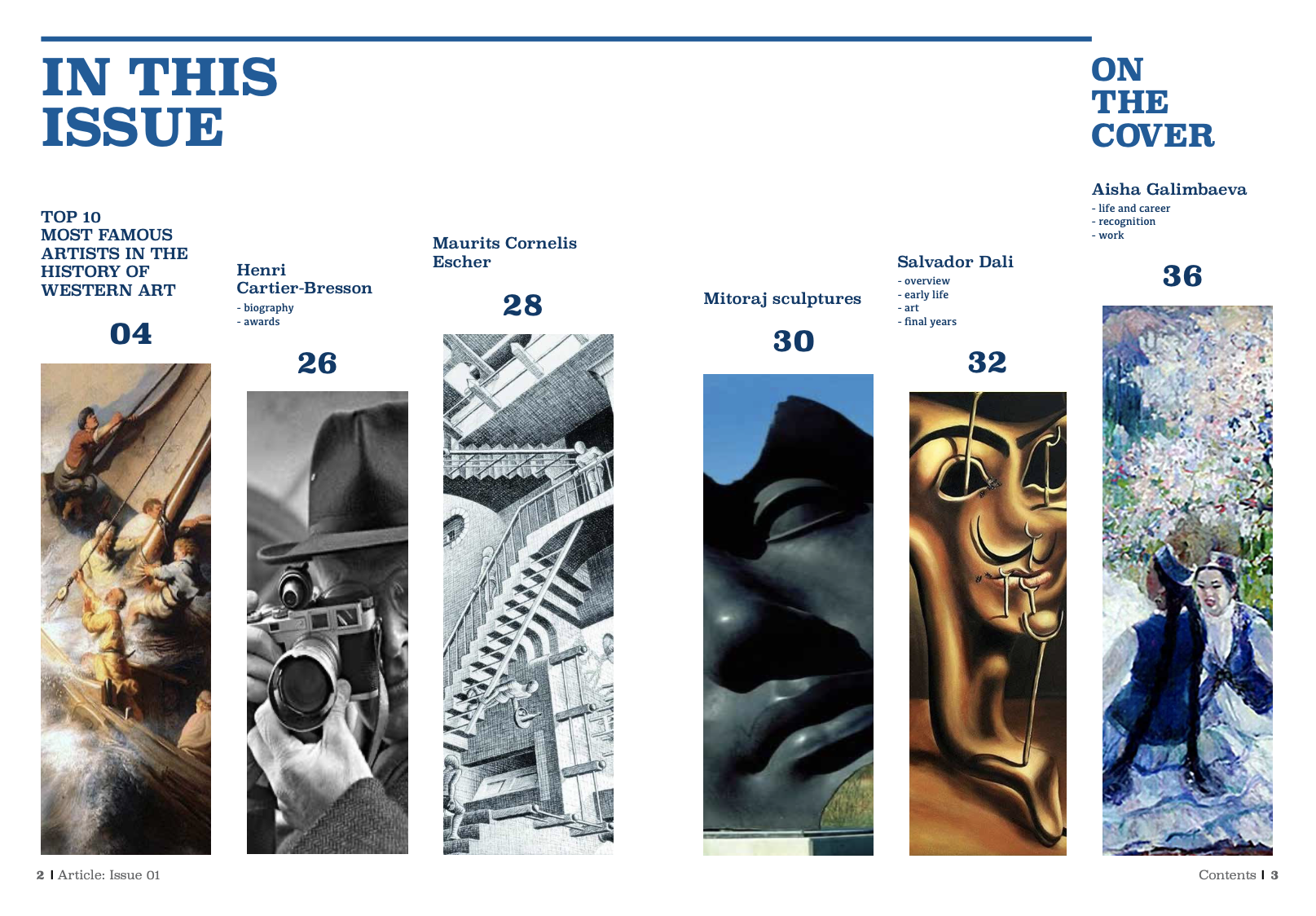
5. What tools did you apply in this project?
– The software used is the Adobe InDesign, the resources are the images and text documents.
6. Research
– Over half of young people surveyed prefer magazines and journals to books and textbooks. Also, almost 70% of the people like to consume information visually with the help of images. Nevertheless, the amount of text is also important. Less text with more black space on layouts seem to be more comfortable for reading.
7. Sketches, wireframes, graphics, prototype
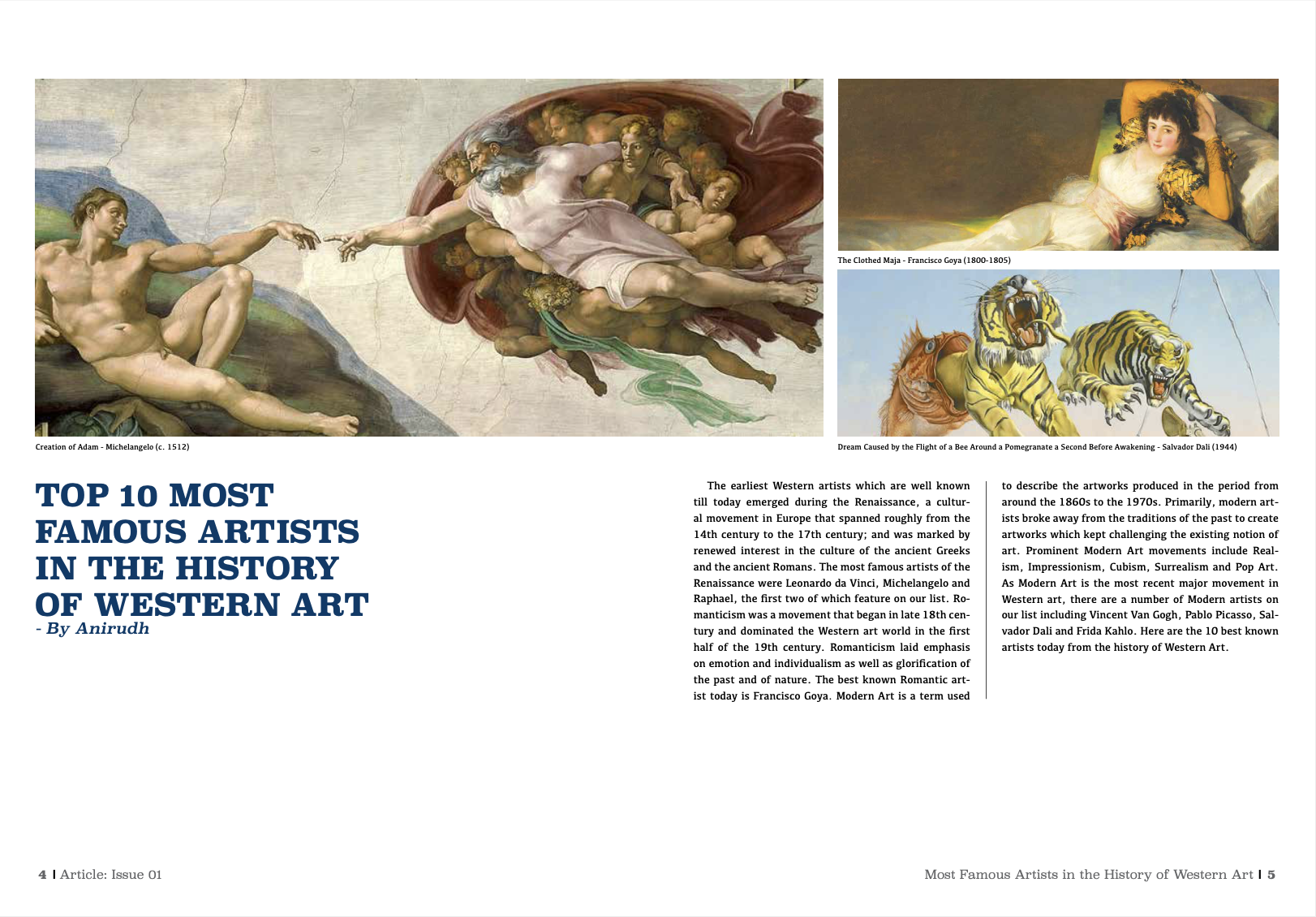
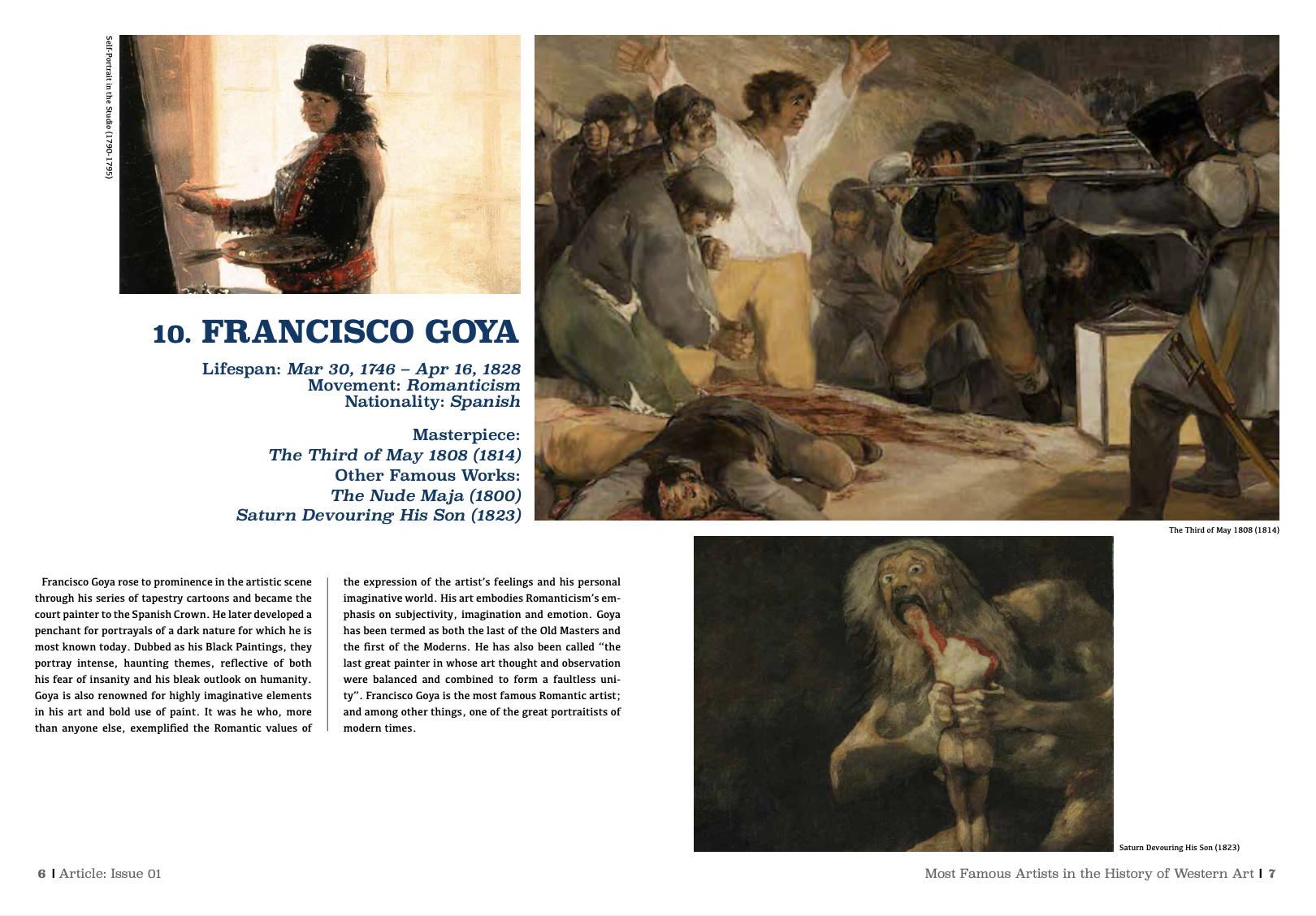
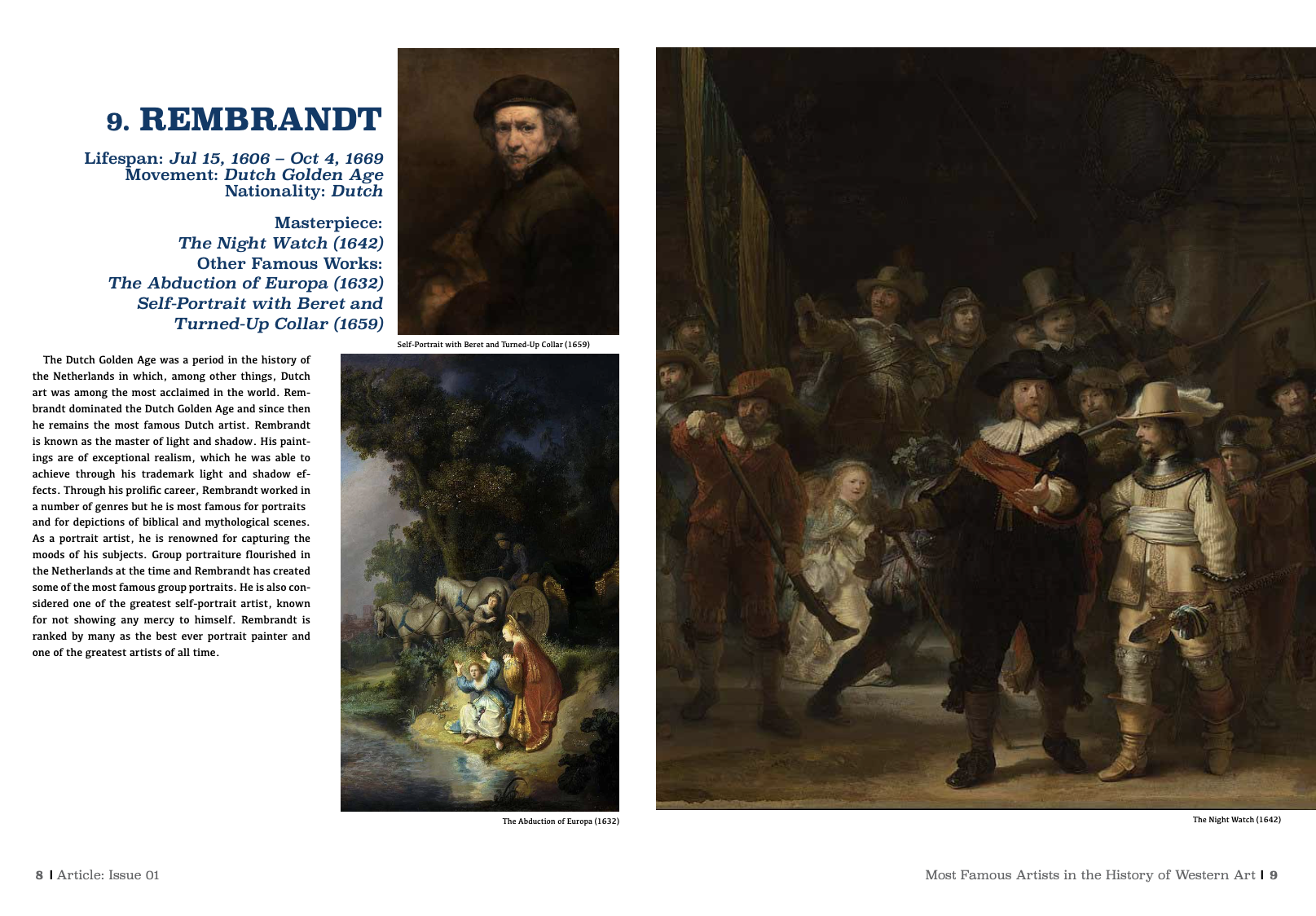
8. Results and takeaways from a Usability test/before and after applying UX Design to the product
– Simple layout with easy to read text and understandable layout.
9. Your final design — style guide
– Reading the texts and looking through images.
10. Conclusion/ The impact
– The project was very f un to work on and also educational. Loved working on the layouts of spreads and looking for images.
11. What did you learn from the project
– creating layouts of spreads
– resourcing for corresponding images
– working with texts and information
12. What would be the next steps
– Use experience from this project to create even more interesting projects in the future.