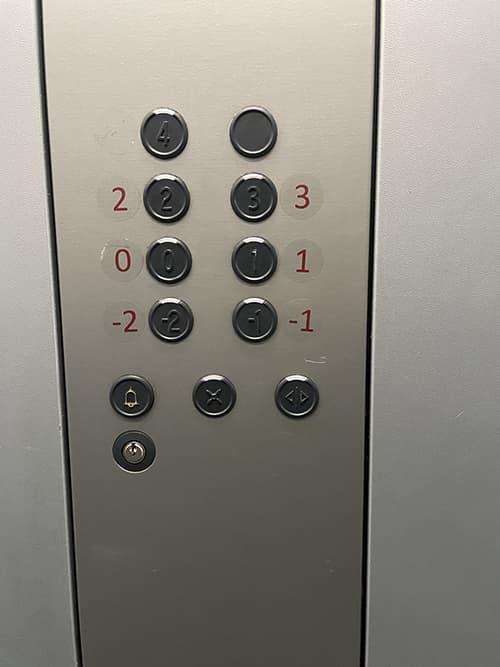
Affordance nr 1
- Affordance – comes from acquired knowledge.
- Tags – numbers on buttons guide user to the correct floor.
- Feedback – announcement of the chosen floor after pressing the button.
- Mapping – unnatural
- Rating: medium design – confusing position of buttons
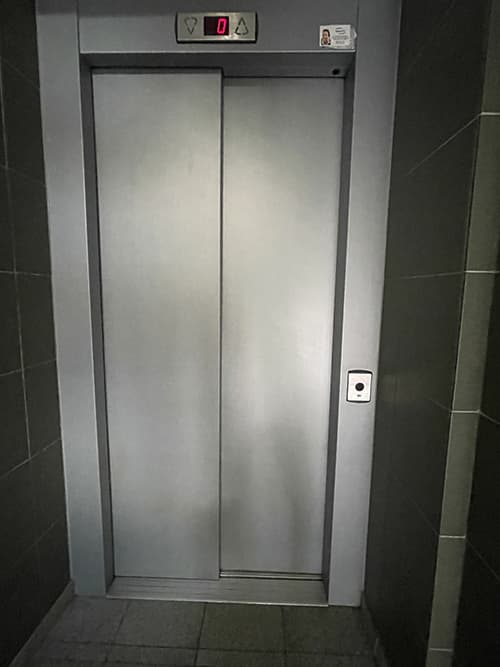
Affordance nr 2
- Affordance – comes from acquired knowledge. The elevator is needed to move to the different floors.
- Tags – the doors are very common for elevators. The upper panel with floor number and arrows confirms that it is in fact an elevator.
- Feedback – sound notifying about elevator arrival after pressing the button.
- Mapping – natural
- Rating: good design – simple and understandable.
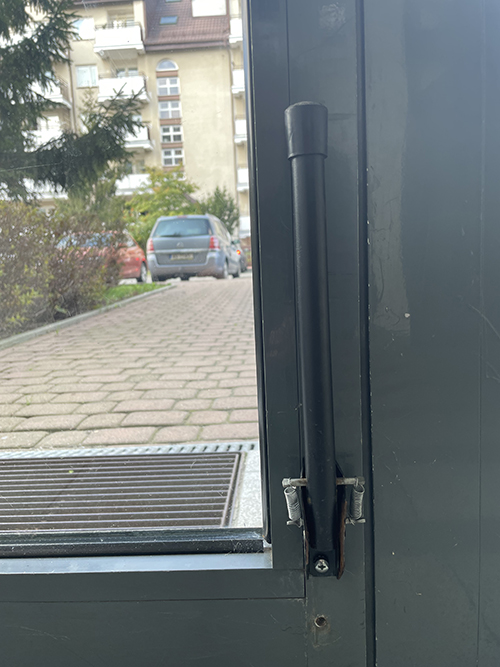
Affordance nr 3
- Affordance – comes from acquired knowledge. Door handle is necessary to open the door. Shape of the door handle and its placement is implying its purpose.
- Tags – none
- Mapping – none
- Feedback – none
- Rating: good design – obvious and understandable design.
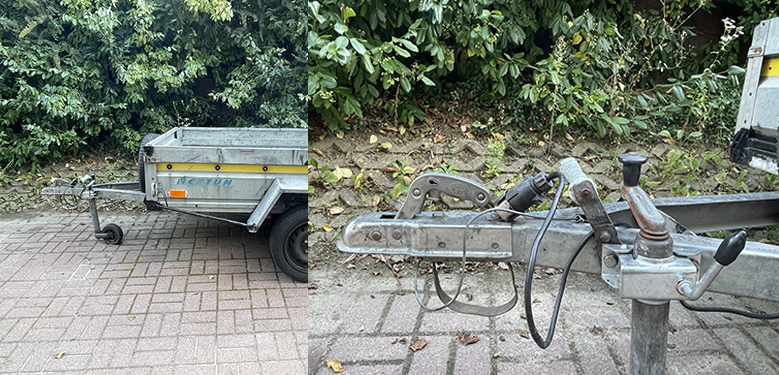
Affordance nr 4
- Affordance – comes from acquired knowledge. Serves to connect trailer to the car.
- Tags – none
- Mapping – none
- Feedback – none
- Rating: good design – might be slightly confusing for unexperienced people but still quite obvious.
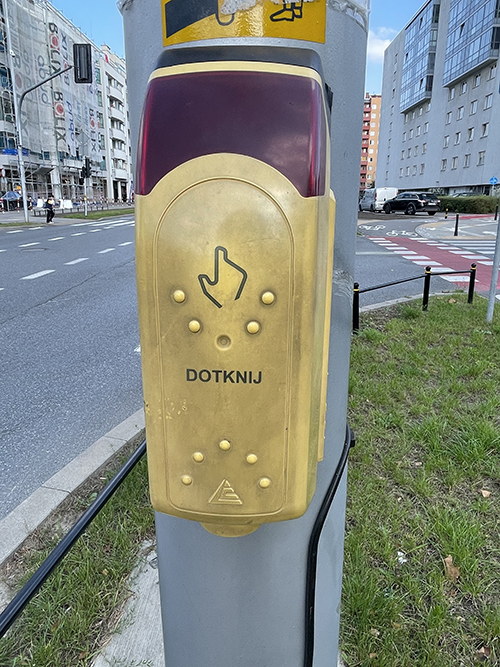
Affordance nr 5
- Affordance – comes from acquired knowledge.
- Tags – the word that instruct user to touch the object. Traffic light button is needed to start the traffic light.
- Feedback – sound after pressing the button.
- Mapping – natural
- Rating: good design – simple and easy to spot design.
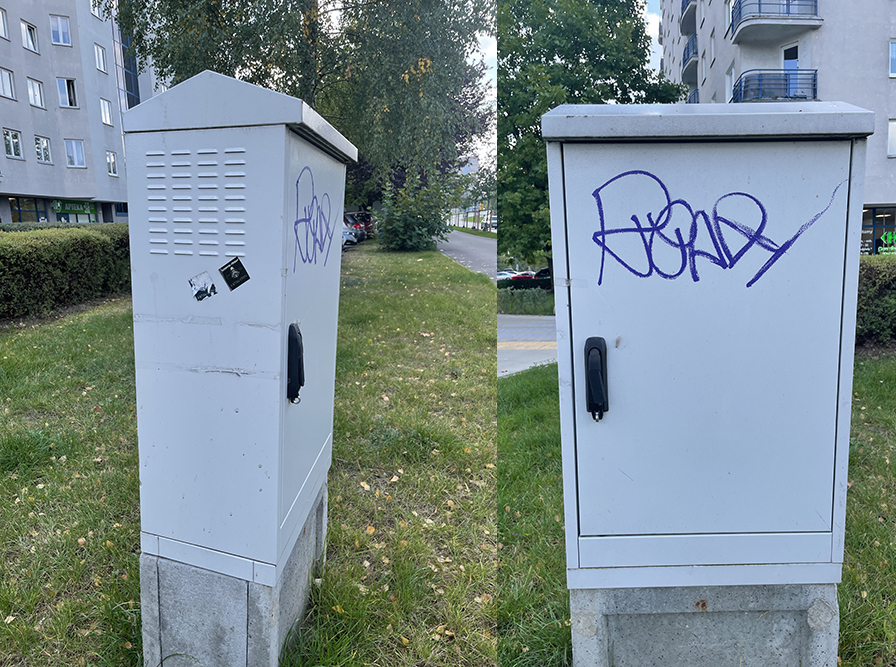
Affordance nr 6
- Affordance – comes from applying logical thinking
- Tags – none
- Feedback – none.
- Mapping – none
- Rating: good design – obvious design that carries information about the object.
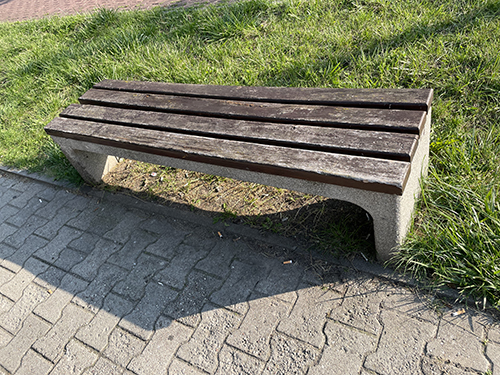
Affordance nr 16
- Affordance – comes from acquired knowledge.
- Tags – the shape of the bench is implying that it is possible to sit down.
- Feedback – none.
- Mapping – none
- Rating: medium design – not the most comfortable bench to sit on for a long time but still convenient.
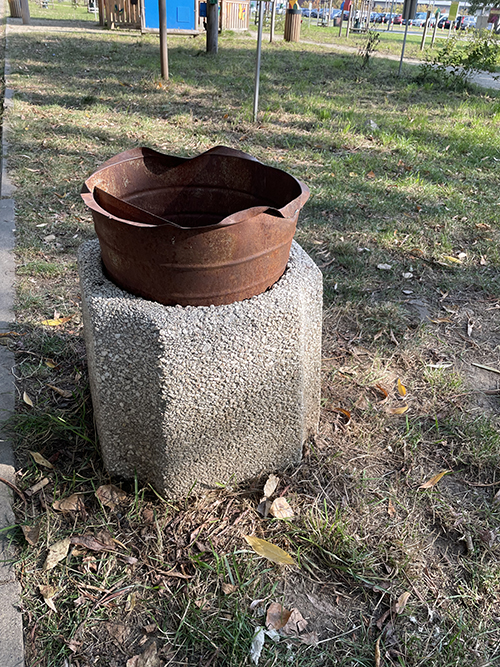
Affordance nr 20
- Affordance – comes from acquired knowledge.
- Tags – the purpose of the container hard to identify at first. It can either be a bin to throw away trash in or bin to keep fire in.
- Feedback – none.
- Mapping – none
- Rating: bad design – hard to understand the purpose of object immediately. Barely looks like trash bin.
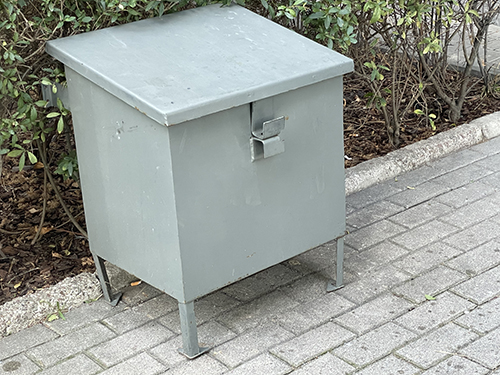
Affordance nr 21
- Affordance – comes from acquired knowledge. Sand boxes can be found around the town.
- Tags – handle
- Feedback – none
- Mapping – none
- Rating: bad design – the purpose might not understood from the first time due to lack of identification marks.
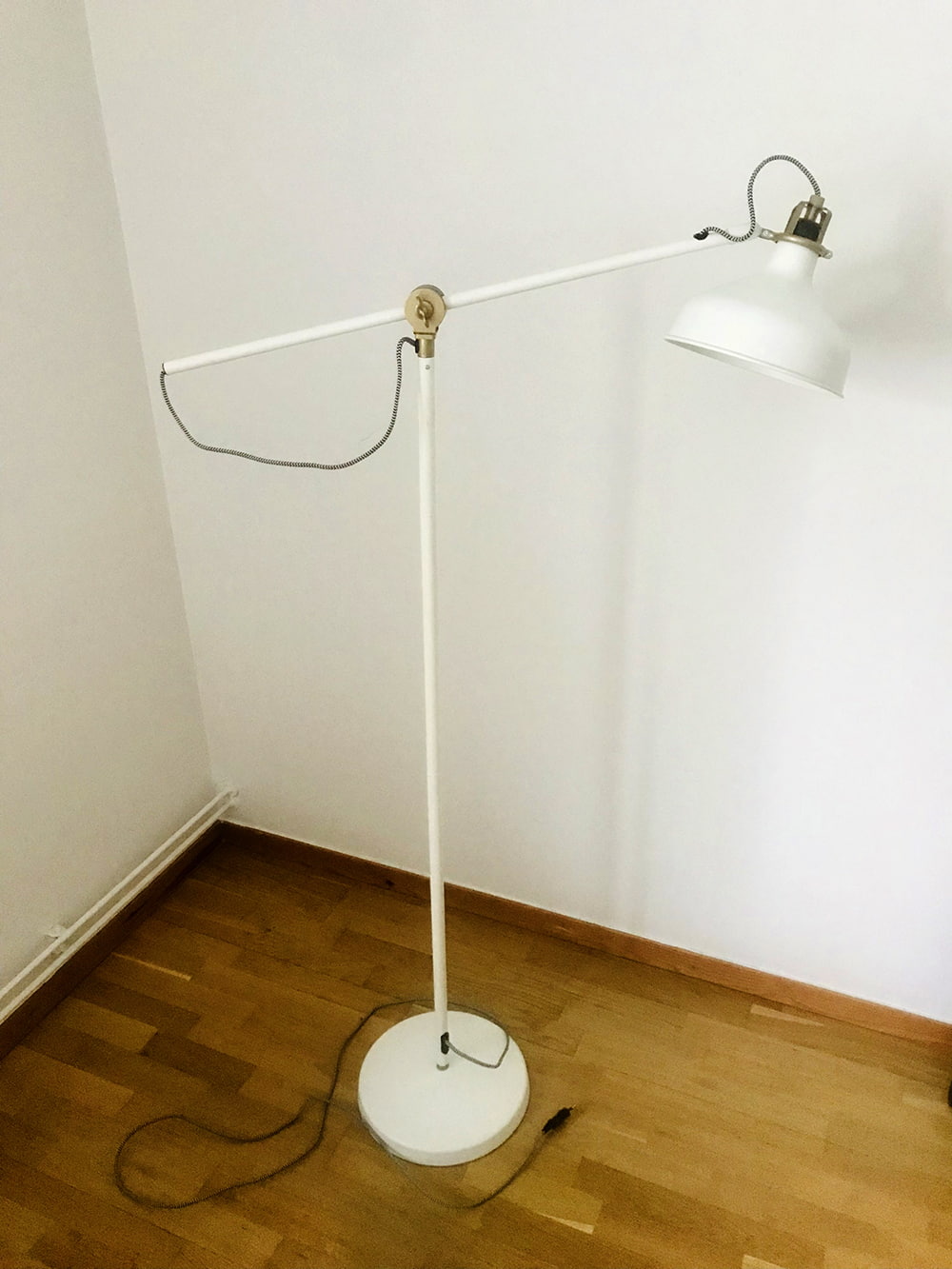
Affordance nr 24
- Affordance – comes from acquired knowledge. Lamp is a common attribute of the everyday life.
- Tags – none
- Feedback – none
- Mapping – none
- Rating: good design – lamp can be bent in different sides and is quite tall. Can light more space and is easily regulated.
MY PICTURES
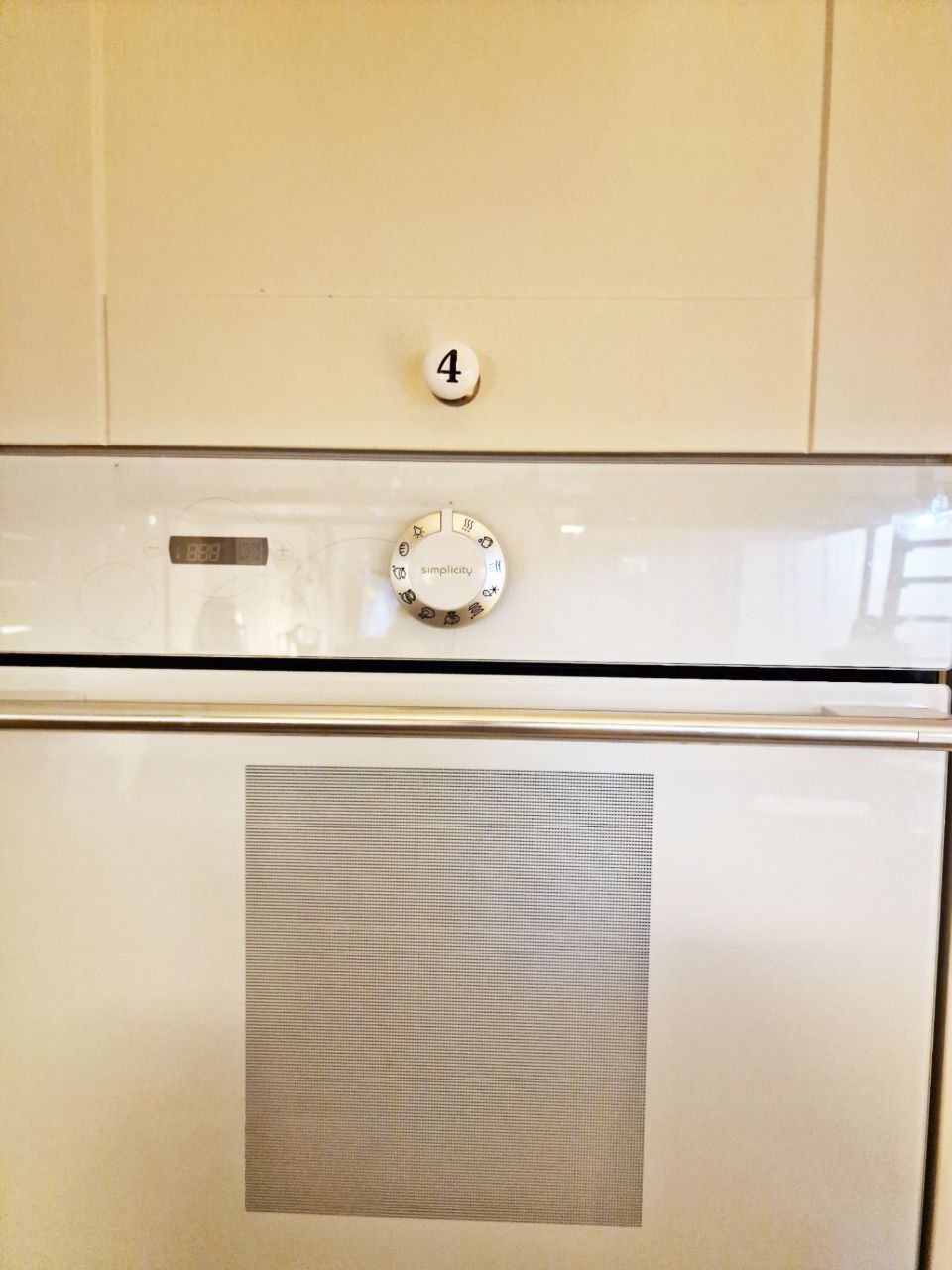
Oven
- Affordance – comes from visual signs. Temperature indicator, wheel with different temperatures options and shape symbolize that it is oven
- Tags – temperature indicator, wheel with different cooking options
- Feedback – makes sound when warmed up
- Mapping – natural
- Rating – good design. Easy to understand + has guide in shape of wheel for unexperienced users.
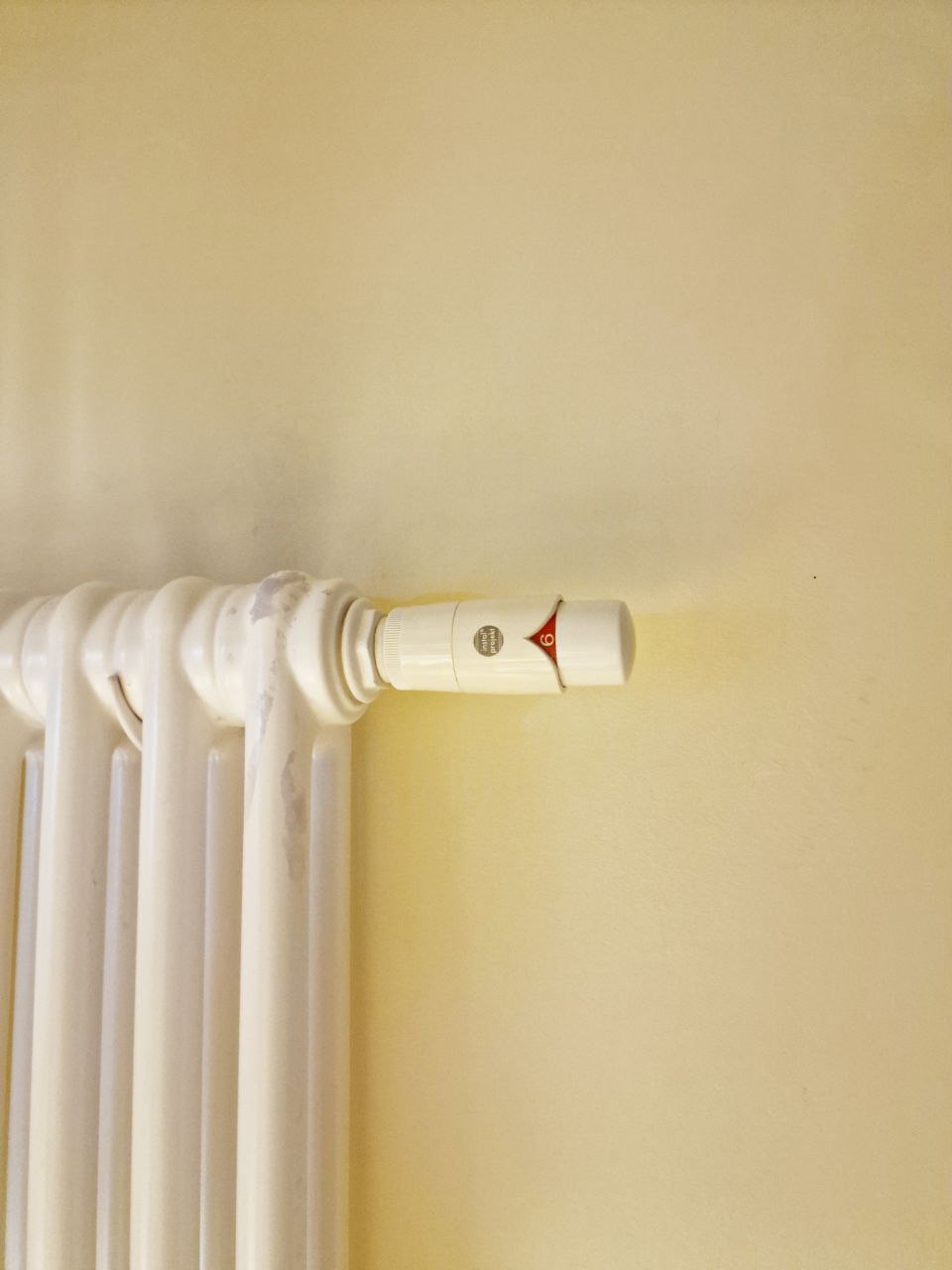
Temperature regulator
- Affordance – comes from acquired knowledge. It is clearly a part of radiator.
- Tags – wheel and numbers on the wheel
- Feedback – none
- Mapping – natural
- Rating – good design. Classical design of regulator that is known by everyone.
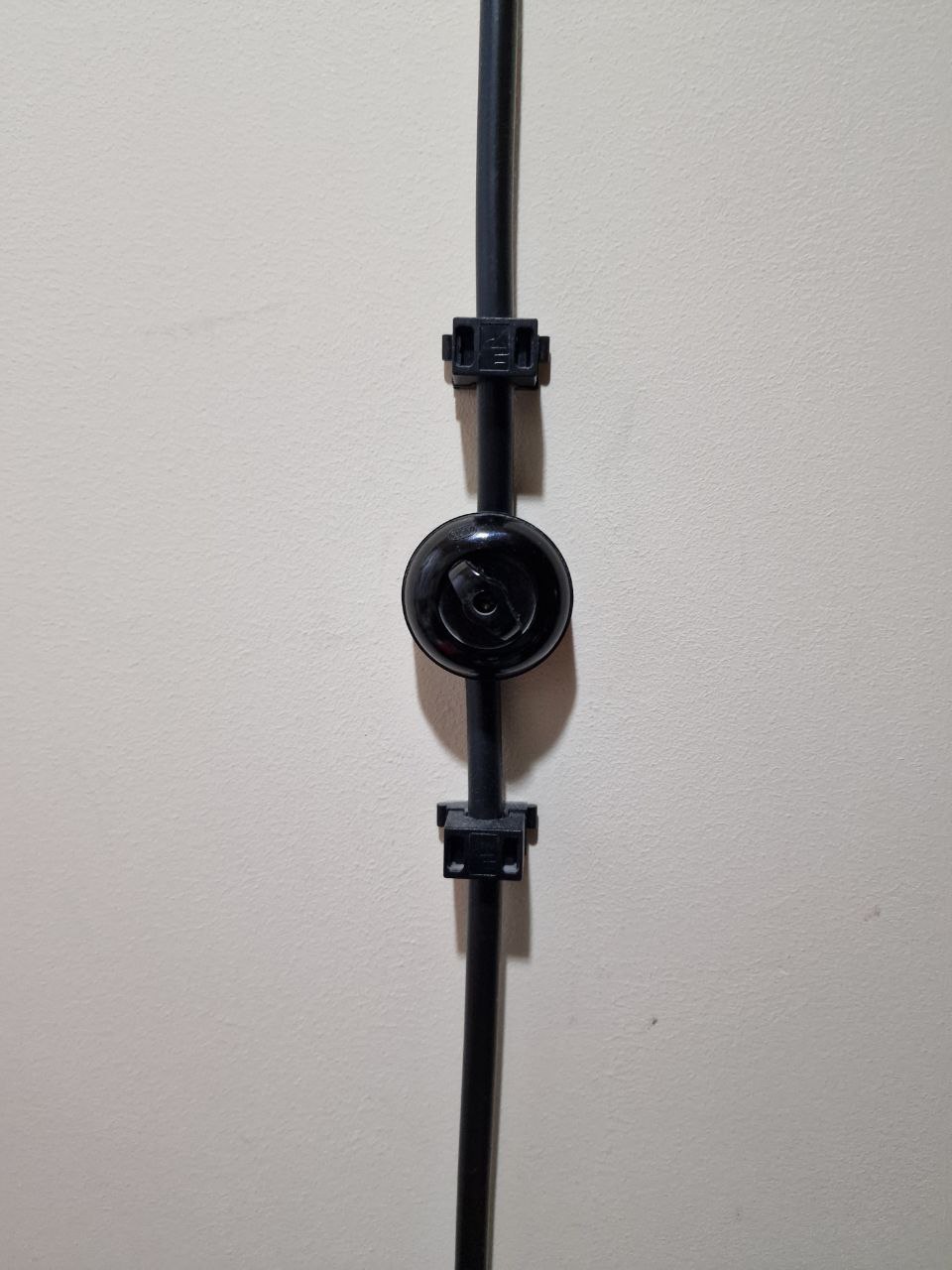
Lamp switch
- Affordance – the shape indicates that it can turn on or turn off things.
- Tags – switcher in the middle
- Feedback – a sound of click after use
- Rating – medium design. Not very common design so can evoke questions at first.
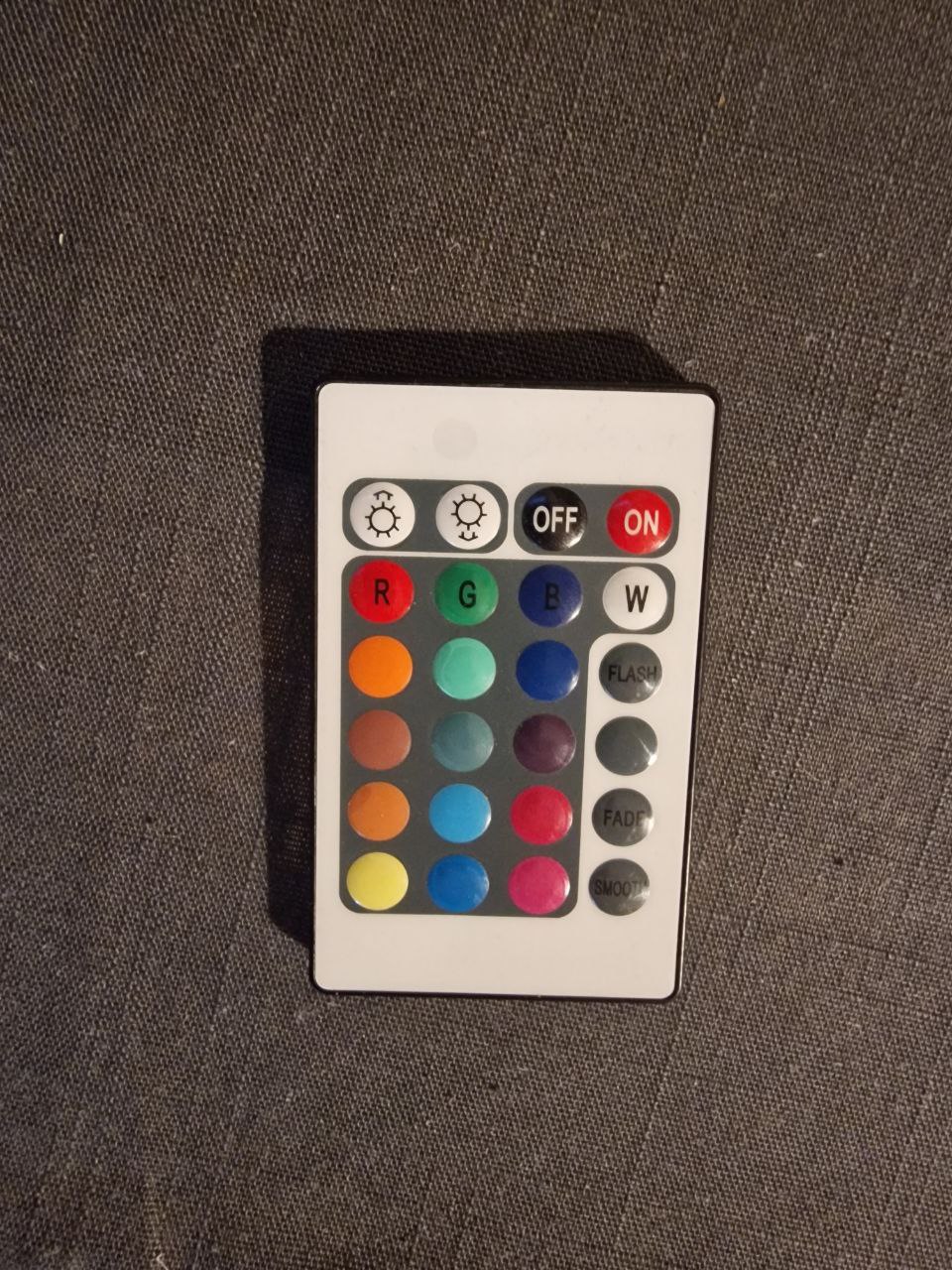
Remote control for the colored lamp
- Affordance – comes from logical thinking. It looks like color palette for lamp
- Tags – buttons on and off indicates that an object can be turned on or off
- Feedback – none
- Rating – good design. Each color on remote control indicates what color can lamp light be. Easy to use.
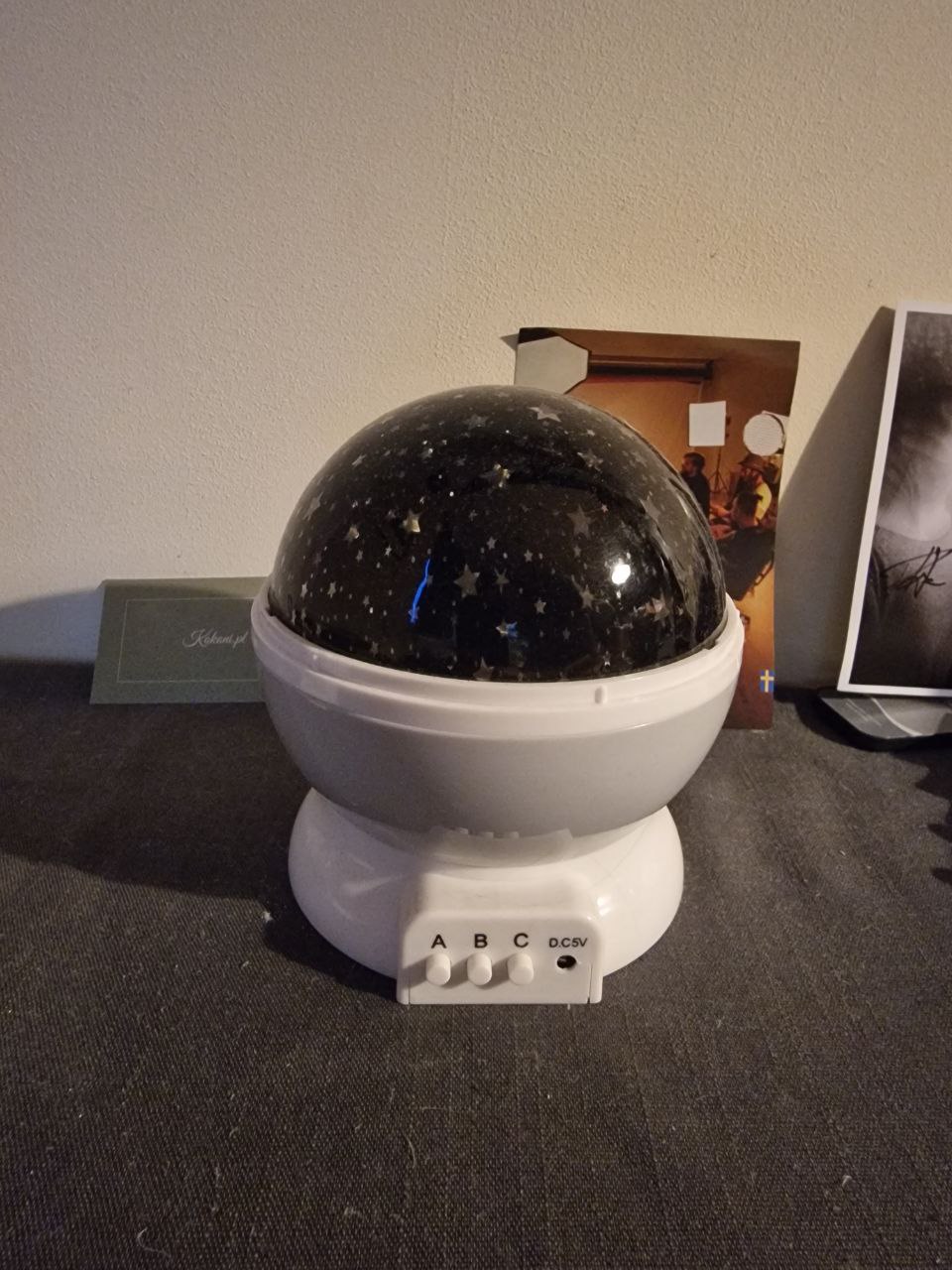
Star lamp
- Affordance – comes from logical thinking.
- Tags – buttons below indicate about different light modes
- Feedback – makes sound when on.
- Rating – medium design. Hard to understand what different light modes do.
CASE STUDY
What am I really good at?
I am good at creating posters, leaflets and other advertising production. I like to create accessible ways to represent a product or service.
Which UX-related activities do I really enjoy doing?
I enjoy creating designs that are easily understood but still original and complex. Nowadays there is a lot of new features in UX design that destructing people from the main point. I like to look for a balance between innovation and perception.
What sets me apart from other designers?
Due to my rich experience in this area I am able to understand the request from customer fast. I am strict with deadlines and am willing to do as many edits as it is needed for design to be perfect.
BROCHURE ABOUT ECOLOGY

1. My role in the project
- Looking for original topic
While people tend to bring up negative aspects of ecological topic I have decided to focus on the positive aspect. In my case I have decided to describe ecology of Sweden which is something many countries are striving for. I focused on such parts as renewable sources of energy, recycling and environment.
- Negotiation with the customer
I listened to customers requirements and offered a fresh view on the topic. We were staying in touch and perfecting the brochure together.
- Creating a design
Since there were many things I wanted to bring up in the brochure I looked for understandable and consistent way of designing it. I created myself pictograms and layout.